Every Amazon advertiser pays for clicks that were never going to convert. A shopper searching for a “cutting board oil” clicks your cutting board ad, looks, and leaves. Multiply that across hundreds of search terms and the waste adds up quickly. Amazon PPC negative keywords are the simplest way to stop paying for that traffic, and they are one of the first things we review in any account.
This guide explains what negative keywords are, the match types available, how to find the right ones in your search term report, and how to add them without accidentally blocking the searches that make you money.
What Are Amazon PPC Negative Keywords?
A negative keyword tells Amazon not to show your ad when a shopper’s search contains a particular word or phrase. Where a normal keyword says “show my ad for this search”, a negative keyword says “never show it for this one”.
In Sponsored Products, you can add negative keywords to automatic and manual campaigns, either at campaign level or at ad group level. Sponsored Brands campaigns also support negative keywords. Alongside negative keywords there is negative product targeting, which stops your ads appearing on specific product detail pages, for example a product that is not a real alternative to yours.
Negative keywords do not lower your bids or change your listing. They simply narrow where your budget can be spent, so more of it goes to searches with a realistic chance of converting.
Negative Match Types: Exact and Phrase
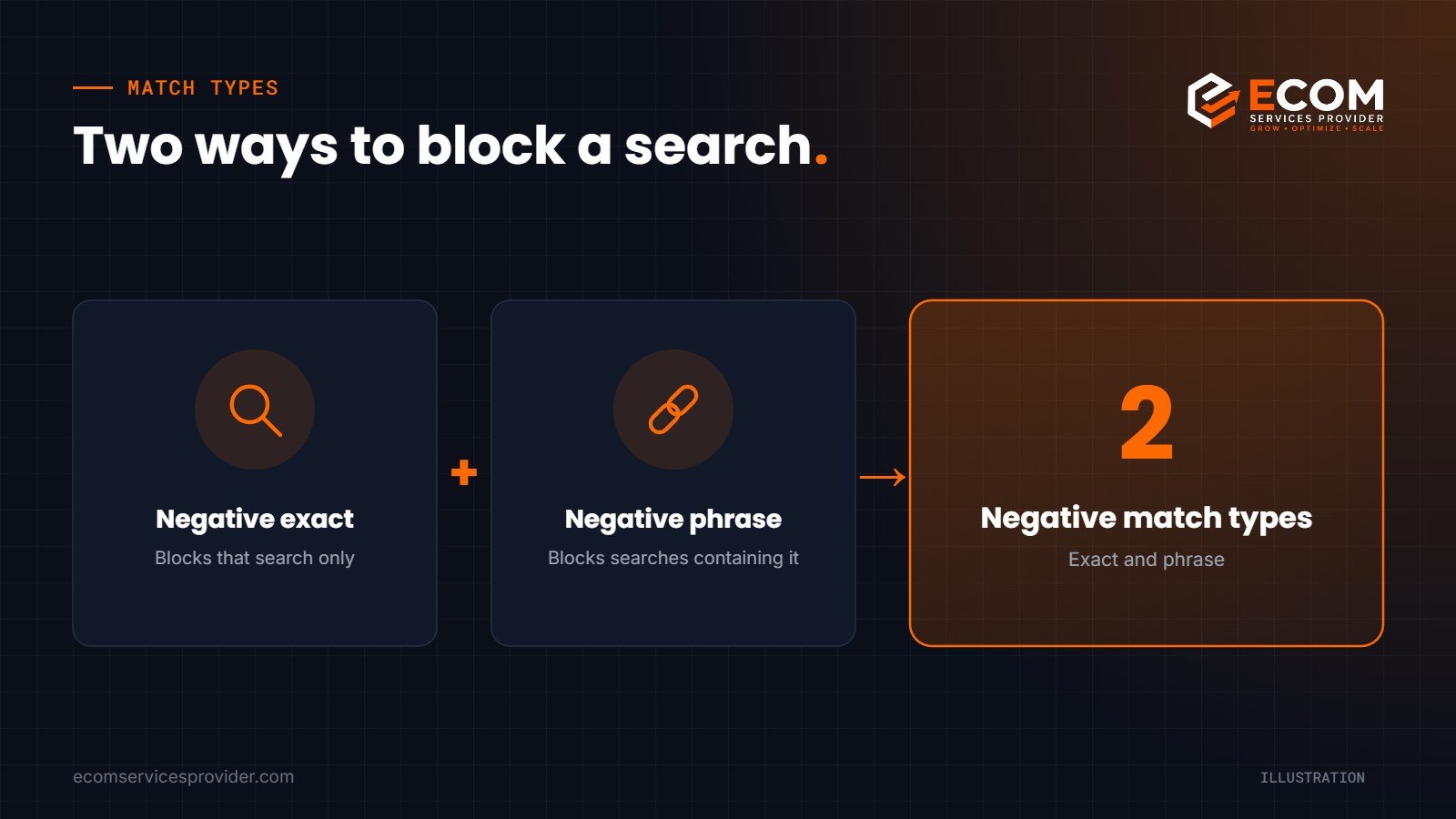
Amazon offers two negative match types for keywords.
Negative exact
Negative exact blocks the ad only when the shopper’s search matches your negative term exactly (allowing for close variants such as plurals). Use it when a specific search term is wasting money, but other searches containing the same words still perform. It is the precise, low-risk option.
Negative phrase
Negative phrase blocks the ad for any search that contains the phrase. If you add “replacement” as negative phrase, every search containing that word is excluded. It is powerful for removing whole groups of irrelevant traffic, but it needs care: a broad negative phrase can quietly switch off searches you want.
As a rule, start with negative exact for individual search terms and only use negative phrase when you are confident a word is never relevant to your product.
How to Find Negative Keywords in Your Search Term Report
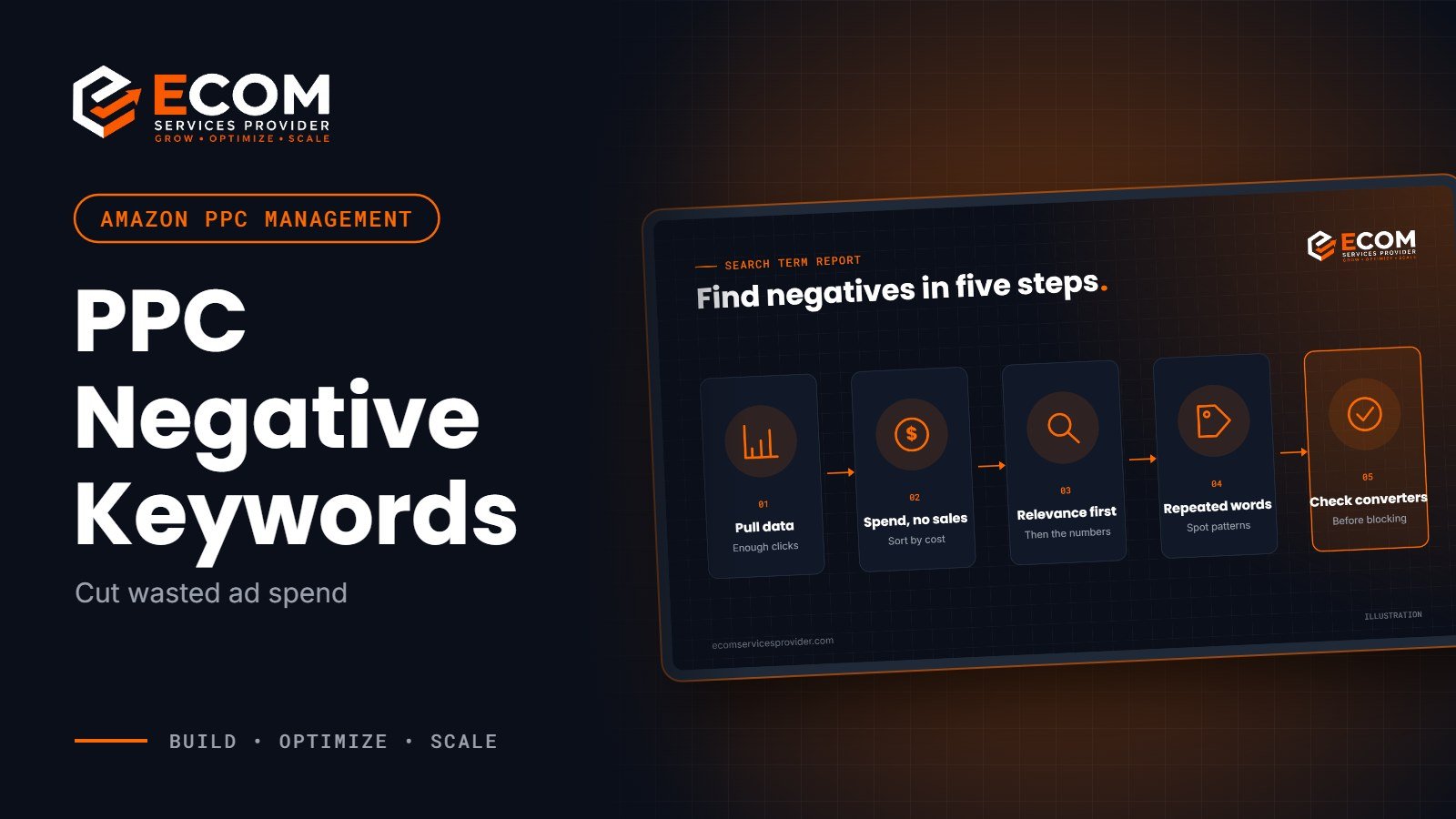
Your search term report shows the actual searches shoppers typed before clicking your ads, with impressions, clicks, spend and sales for each. It is the main source of negative keyword ideas. You can download it from the reports section of the Amazon Ads console.
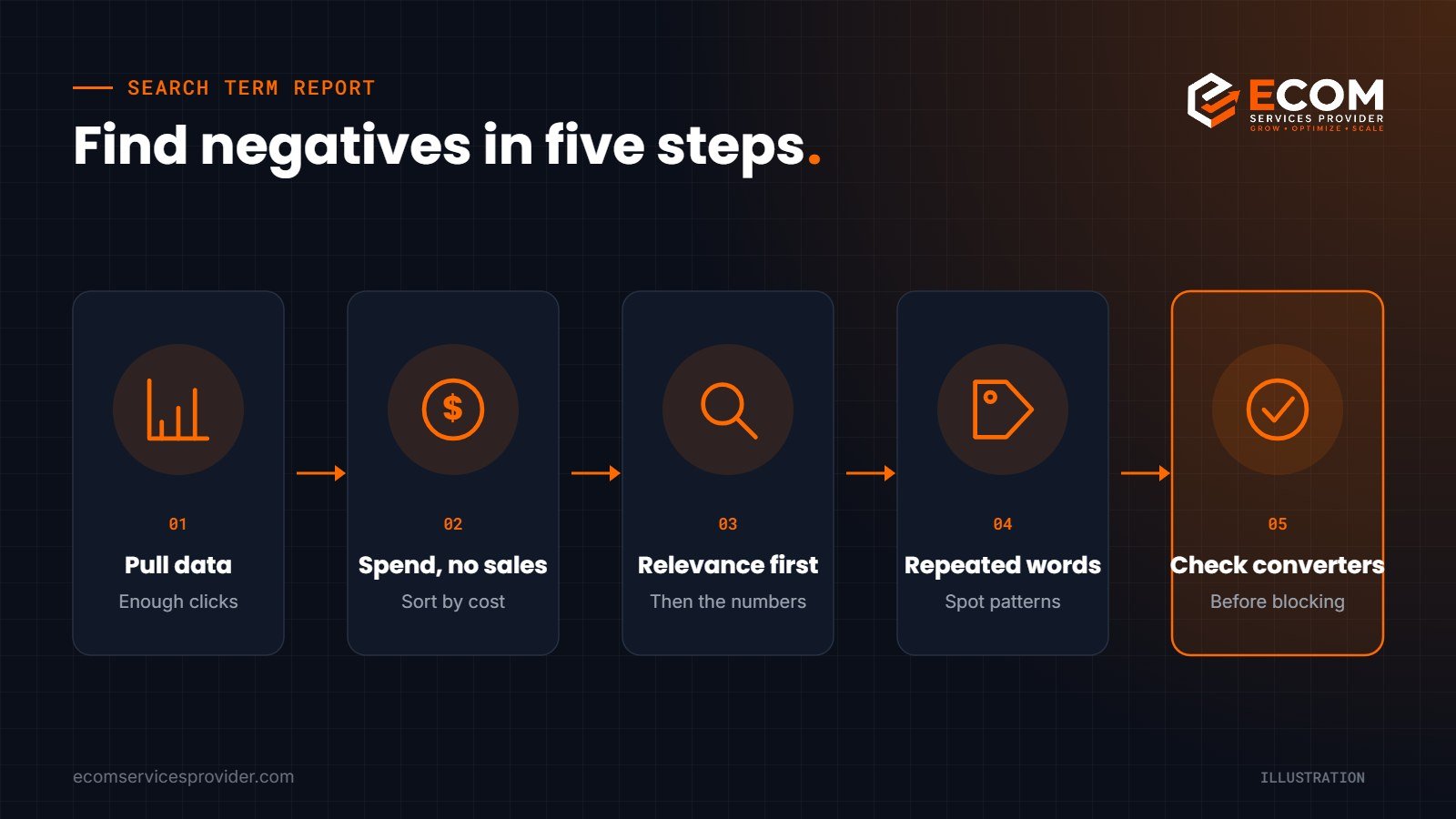
Step 1: Pull enough data
Use a date range long enough to be meaningful, usually 30 to 60 days. A search term with two clicks and no sale tells you very little; one with forty clicks and no sale tells you a lot.
Step 2: Sort by spend with no sales
Filter for search terms with clicks but zero orders, then sort by spend. The terms at the top are your biggest leaks. Review them one by one rather than adding them all automatically.
Step 3: Judge relevance first, numbers second
For every candidate, ask: is this search actually looking for my product? Terms that describe a different product, a different use, an accessory, or a size or material you do not sell are clear negatives. A relevant term that simply has not converted yet may need a better listing, a different bid or more time, not a negative.
Step 4: Look for repeated words
Scan the list for words that appear again and again in non-converting searches, such as “free”, “used”, “repair”, “parts” or a material you do not offer. These are candidates for negative phrase, after you check they do not appear in any converting searches.
Step 5: Check your converting terms before you block anything
Before adding a negative phrase, search your report for the same word among terms with sales. If it appears there, use negative exact for the specific bad searches instead.
Where to Add Negatives in Your Campaign Structure
Negative keywords also keep your campaigns organised. A common pattern is to harvest converting search terms from automatic and broad campaigns into exact match campaigns, then add those same terms as negative exact in the source campaigns. This stops your campaigns competing with each other for the same search and lets you control the bid for your best keywords in one place.
If you are setting up campaigns from scratch, our guide to Amazon PPC campaign structure explains how automatic, broad, phrase and exact campaigns fit together.
Common Mistakes With Negative Keywords
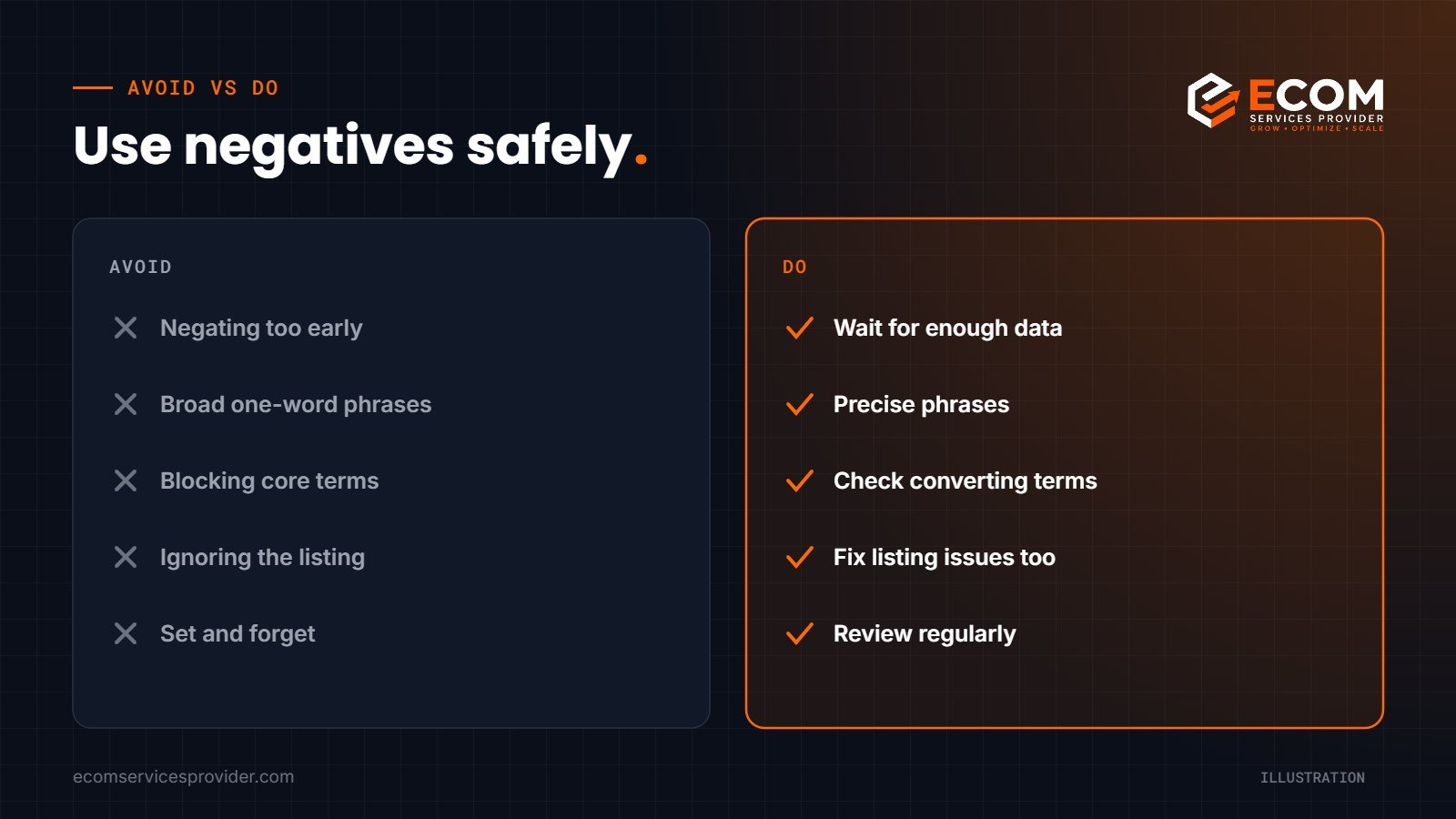
- Negating too early. Blocking a term after a handful of clicks can remove a search that would have converted with more data.
- Using negative phrase too broadly. A single word added as negative phrase can block dozens of good searches.
- Negating your own core terms. It happens more often than you would think, usually during bulk uploads. Always double-check.
- Forgetting about the listing. If relevant searches click but do not buy, the problem may be the price, images or copy. Negatives cannot fix a weak product page.
- Setting and forgetting. Search behaviour changes with seasons and trends, so negative lists need regular review.
How We Do It at ECOM Services Provider
When we take on an advertising account, one of our first tasks is a search term audit. We download several weeks of search term data across Sponsored Products and Sponsored Brands campaigns, sort by wasted spend and review each term manually against the product and its keyword research sheet. Clearly irrelevant searches are added as negative exact; recurring irrelevant words become negative phrase only after we have checked they never appear in converting searches.
We then build negatives into the campaign structure itself, isolating converting terms in exact campaigns and blocking them in discovery campaigns. After that, negative keyword reviews become part of our regular optimisation routine, alongside bid changes and new keyword harvesting. The founder of ESP is Amazon Ads Foundations certified, and our team has 8+ years of hands-on experience managing Amazon advertising.
Frequently Asked Questions
How many negative keywords should I add?
There is no ideal number. Add negatives where the data and relevance justify it. A new campaign may need only a few, while a mature broad or automatic campaign may build up a long list over time.
Should I add negative keywords to automatic campaigns?
Yes. Automatic campaigns often match to loosely related searches, so they benefit most from regular negative keyword reviews. You can also use negative product targeting in automatic campaigns to stop ads appearing on unsuitable product pages.
How often should I review my search term report?
For most accounts, a weekly or fortnightly review works well. High-spend accounts may need more frequent checks, while small accounts need longer date ranges to collect useful data.
Can negative keywords hurt my sales?
They can if used carelessly. A negative phrase that blocks a relevant word will stop your ads appearing for searches that would have converted. Check converting terms before adding any broad negative.
Stop Paying for Clicks That Do Not Convert
Negative keywords are one of the quickest ways to make your advertising budget work harder, but they need careful, regular attention. For Amazon’s own overview of how Sponsored Products targeting works, see Amazon Ads: Sponsored Products.
If you would rather have specialists manage it, our Amazon PPC management service covers search term audits, negative keyword management, campaign structure and ongoing optimisation, and our Amazon listing optimization service helps the traffic you keep convert better. With 768+ projects completed, we can review your account and show you where budget is leaking.
Book a free consultation to talk through your campaigns.