A+ Content is often treated as decoration: a few nice images under the bullet points. In reality, it is the part of the listing where a shopper who is almost convinced decides whether to buy. Good Amazon A+ Content design answers the questions that are still in their head, in the order they are likely to ask them.
This guide walks through how to plan an A+ layout, which modules to use for which job, the design rules that make modules readable on mobile, and the content rules that commonly cause rejections.
Why Amazon A+ Content Design Matters
A+ Content sits below the fold, so it is mostly seen by shoppers who have already scrolled past the images and bullets and still want more information. That makes it a high-intent space. If it repeats the bullets or shows generic lifestyle photos, it wastes that attention. If it explains the product clearly, it can resolve doubts, reduce returns caused by wrong expectations and support your brand across every listing it appears on.
A+ Content is available to brand owners enrolled in Amazon Brand Registry. Standard A+ lets you build a layout from up to five modules, while Premium A+ offers more modules and richer formats for eligible brands. If you are deciding between the two, our comparison of Premium A+ vs Standard A+ covers the differences.
Start With a Content Plan, Not a Template
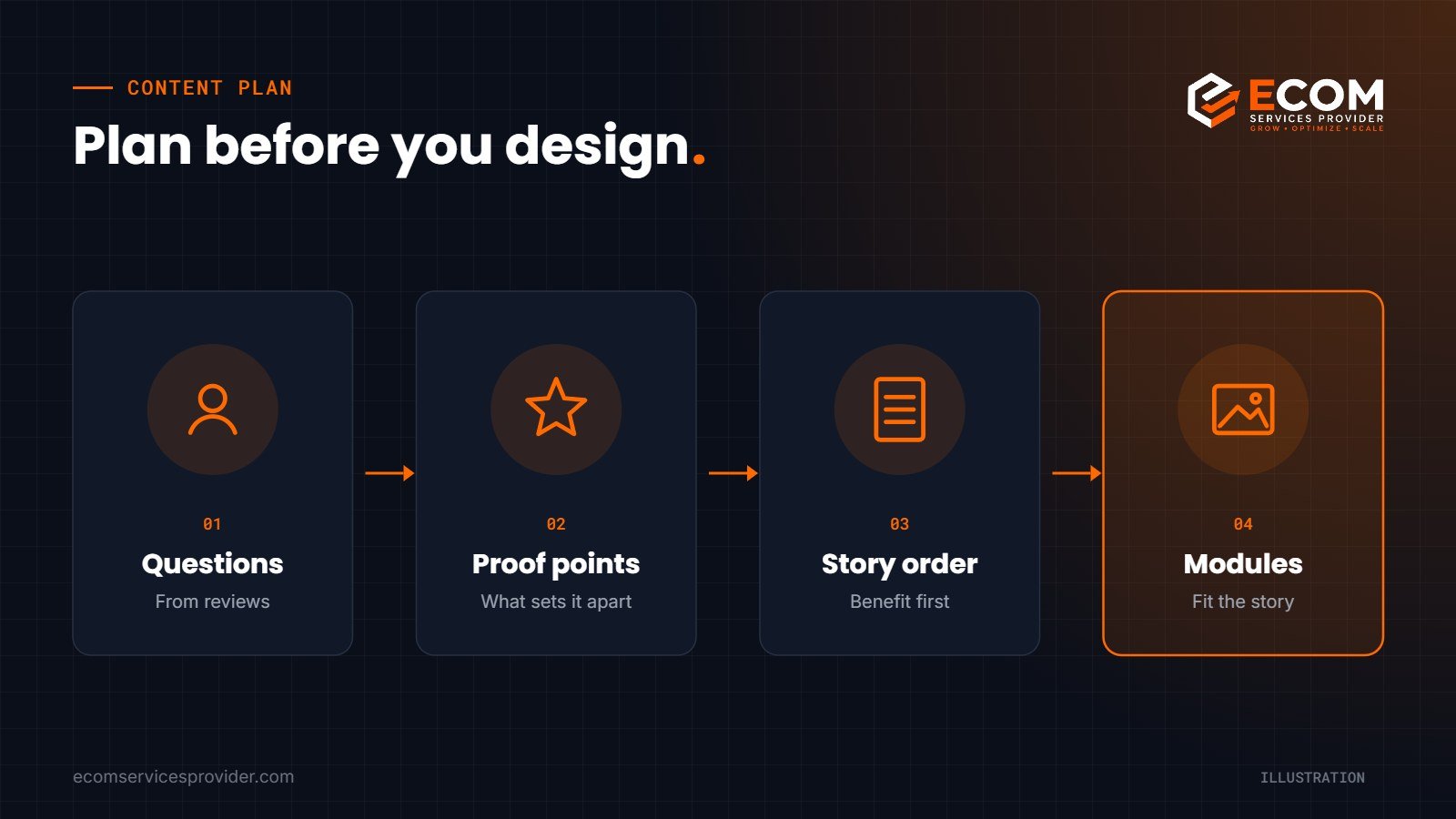
Before opening the A+ builder, write down three things:
- The shopper’s remaining questions. Read your reviews, competitor reviews and customer questions. What do people worry about? Size, fit, durability, installation, compatibility, cleaning?
- Your proof points. Which features, materials or design choices answer those worries?
- The order of the story. Lead with the main benefit, then explain how the product delivers it, then cover details such as dimensions, what is in the box or the wider range.
Only once the story is clear should you choose modules. The module is the container; the plan is what makes it persuasive.
Choosing the Right Modules
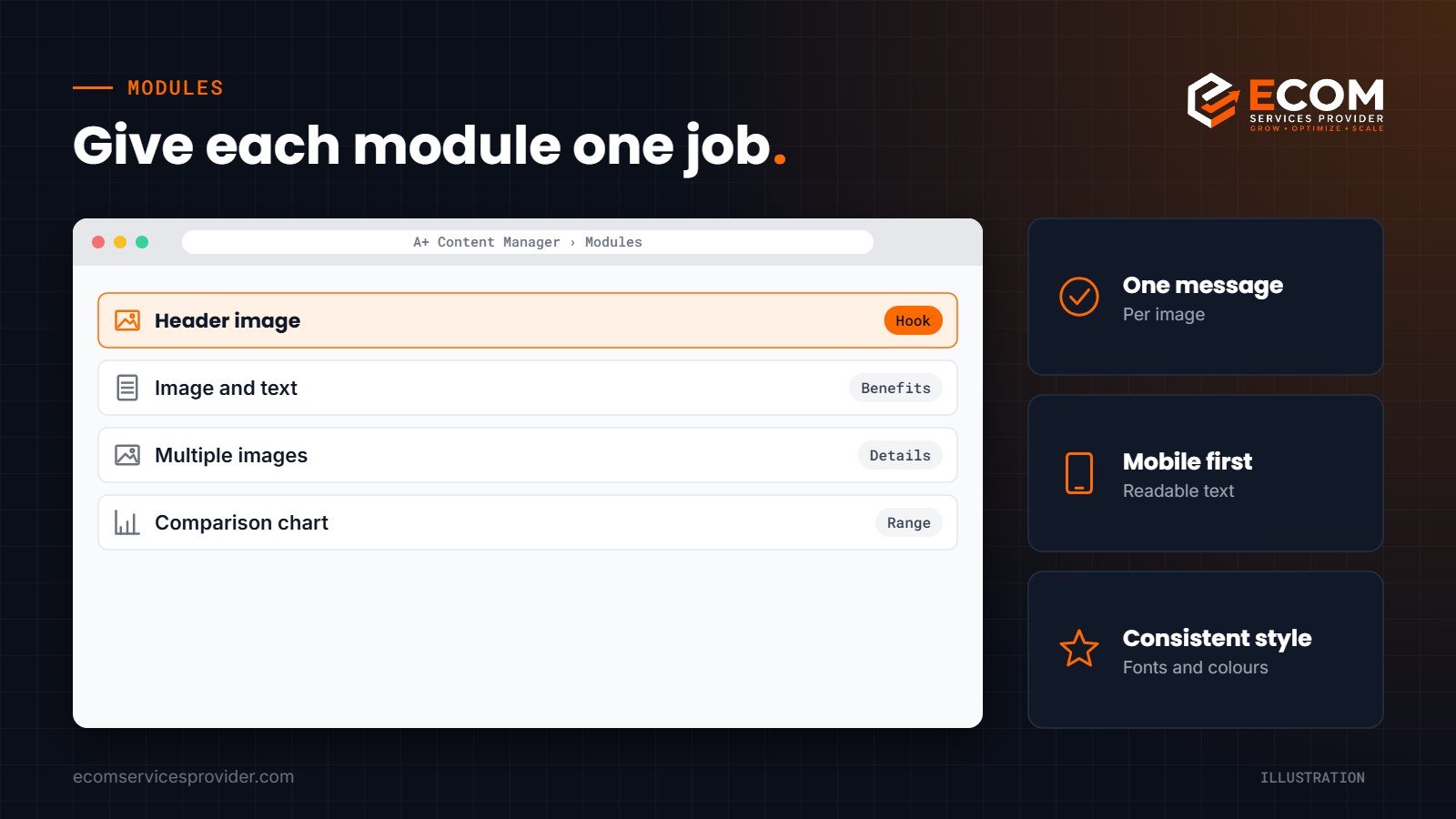
Header image
A wide banner at the top sets the tone. Use it for one clear message about the product’s main benefit, supported by a strong product image. Avoid cramming several claims into it.
Image and text modules
Single image with text, or image with a sidebar, work well for explaining a feature in more depth: the material, a mechanism, or a design detail. One feature per module keeps things easy to scan.
Multiple image modules
Three- or four-image modules are good for showing use cases, steps or a set of features side by side. Keep the captions short so they read well on mobile.
Comparison chart
The comparison chart lets you compare products from your own range, helping shoppers pick the right size, model or bundle. It is also a useful way to cross-sell. It cannot be used to compare against other brands’ products.
Design Rules That Work on Mobile
Most Amazon shoppers browse on their phones, so design for a small screen first.
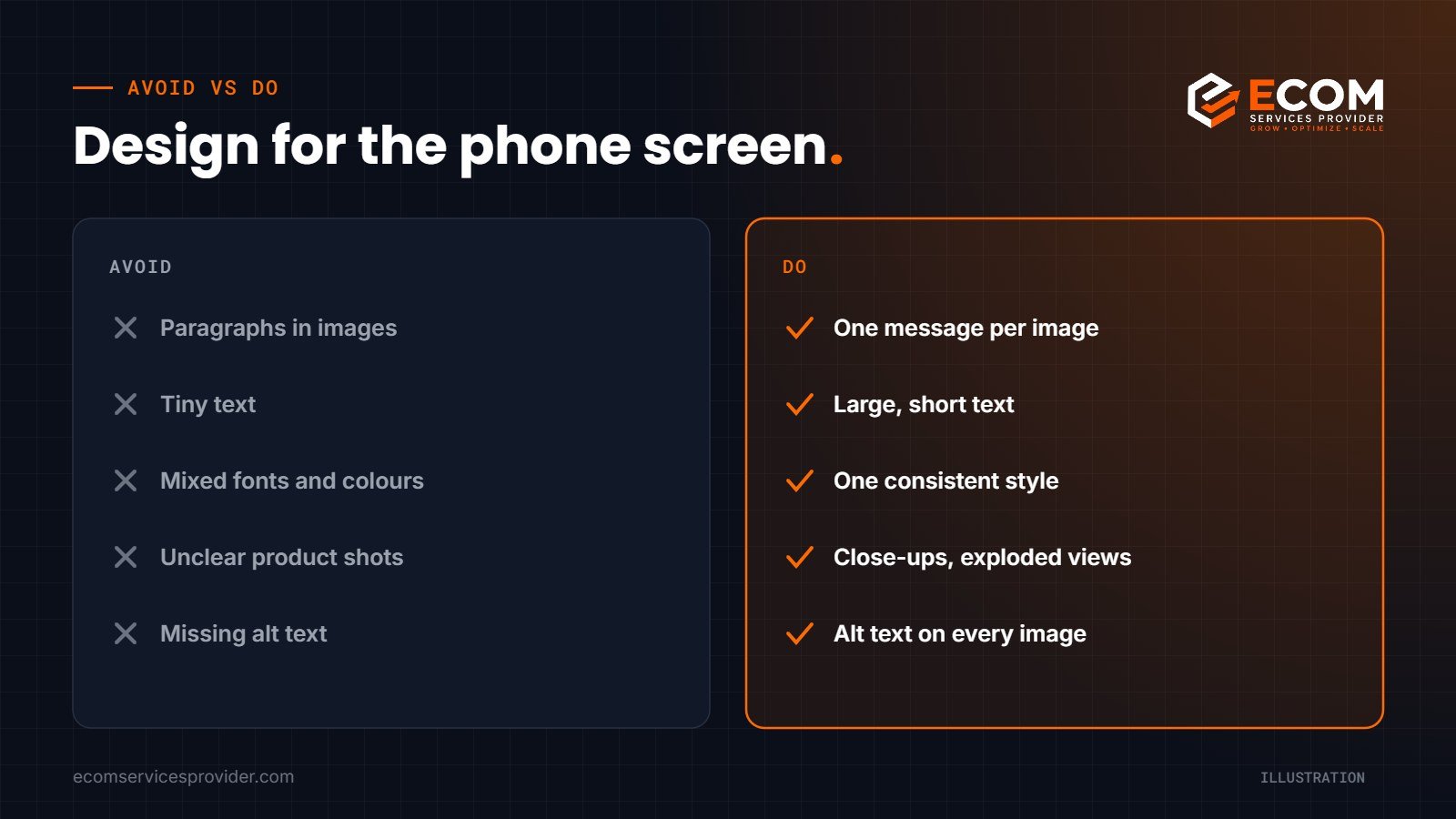
- Put key text inside the image large enough to read on a phone, or use the module’s text fields, which scale better.
- Keep one message per image. If a module needs a paragraph of explanation, split it into two modules.
- Use consistent colours, fonts and icon styles across every module so the layout feels like one brand, not a collage.
- Show the product clearly. Close-ups, exploded views and real-use photos explain more than abstract graphics.
- Check the crop. Amazon modules have specific image dimensions; prepare images at the required size so nothing important is cut off.
- Add alt text to every image. It improves accessibility and gives you another place to describe the product accurately.
Writing Copy for A+ Modules
Design gets attention, but copy does the explaining. A few principles keep A+ text useful:
- Lead with the benefit, then the feature. “Stays sharp for longer” before “high-carbon stainless steel blade”.
- Keep headlines short. Five to eight words is usually enough to make the point at a glance.
- Use plain language. Explain technical terms the first time you use them, or replace them with what they mean for the shopper.
- Be specific. Dimensions, materials and compatibility details are more convincing than adjectives.
- Support your keywords naturally. Text in A+ modules is no substitute for a well-optimised title and bullets, but it is a sensible place to use related terms and answer questions in the language shoppers use.
Read the finished layout from top to bottom as if you were the shopper. If any module makes you ask “so what?”, rewrite it until the benefit is obvious.
Content Rules That Cause Rejections
A+ submissions are reviewed before they go live, and rejections slow you down. Common causes include:
- Pricing, discounts or promotional language such as “sale” or “best deal”
- Shipping details, guarantees or warranty claims that are not allowed
- Customer reviews, star ratings or quotes
- Contact details or links to external websites
- Comparisons with other brands, or claims you cannot support
- Low-quality, pixelated or watermarked images
Always check the current A+ guidelines in Seller Central before submitting, because rules are updated from time to time.
How We Do It at ECOM Services Provider
Our A+ projects start with research rather than design. We read the listing, reviews and competitor pages to find the questions shoppers are still asking, then write a module-by-module brief that sets out the message, the visual and the text for each section. Only then does our design team build the modules, using a consistent style that matches the brand’s main images and infographics.
For example, for a range of heavy-duty trailer hubcaps, we turned technical details such as construction, materials and maintenance into a visual story: a header banner on protection, an exploded view of the components, and modules explaining durability and easy maintenance. Before submission, we check every module against the A+ guidelines and preview the layout on mobile. With 8+ years of Amazon experience and 768+ projects completed, this brief-first process is how we keep A+ layouts both persuasive and compliant.
Frequently Asked Questions
Who can create A+ Content on Amazon?
Brand owners enrolled in Amazon Brand Registry can create A+ Content for their brand’s products. Some sellers and vendors may have access through other programmes, so check what is available in your account.
How many modules should an A+ layout have?
Use as many as you need to answer the shopper’s questions, up to the limit for your A+ type. Five well-planned modules usually work better than a layout filled with repetition.
Can I reuse the same A+ Content across several products?
Yes. You can apply one A+ layout to multiple ASINs, which is useful for variations or closely related products. Make sure the content is accurate for every product it is applied to.
Why was my A+ Content rejected?
The most common reasons are promotional language, pricing, unsupported claims, image quality issues and competitor comparisons. Amazon usually indicates the reason, so fix the specific issue and resubmit.
Turn Your Product Details Into a Visual Story
Well-planned A+ Content can make the difference for a shopper who is nearly ready to buy. Our Amazon A+ Content service covers research, copy, design and submission, and our product graphics team can create matching listing images and infographics so your whole page tells one consistent story.
Book a free consultation to discuss your A+ Content.