A white-background photo shows shoppers what your product looks like. It rarely shows them how it fits into their life. That is the job of Amazon lifestyle images: photos of the product being used by real people in real settings, which help a shopper picture owning it before they buy.
This guide explains where lifestyle shots belong in your listing, how to plan a shoot that answers buyers’ questions, and how to test which images actually win.
What Are Amazon Lifestyle Images?
Lifestyle images are secondary listing photos that show your product in context. A kitchen knife set on a busy chopping board, a backpack on a commuter’s shoulder or a lamp lighting a reading corner are all lifestyle shots.
They sit alongside the other image types in a strong listing:
- The main image – the product alone, following Amazon’s strict main image rules
- Infographics – the product with short benefit callouts and key details
- Lifestyle images – the product in use, in a setting your customer recognises
- Detail and scale shots – close-ups, dimensions and what comes in the box
Amazon’s own A+ Content design guide recommends including lifestyle imagery in your product photos, because context helps shoppers understand what they are buying.
Why Lifestyle Product Photography Sells
Online shoppers cannot pick your product up. Good lifestyle product photography replaces that missing moment in a few ways:
- It shows scale. A hand, a table or a person makes size obvious in a way that measurements alone do not.
- It shows use. Shoppers see how the product works, which removes doubt and reduces questions.
- It shows the customer. People buy faster when they see someone like themselves using the product.
- It creates desire. A well-styled setting makes a product feel like an upgrade, not just a purchase.
Lifestyle shots also work hard on mobile, where shoppers swipe quickly through images and read very little text.
Where Lifestyle Shots Fit in Your Amazon Image Stack
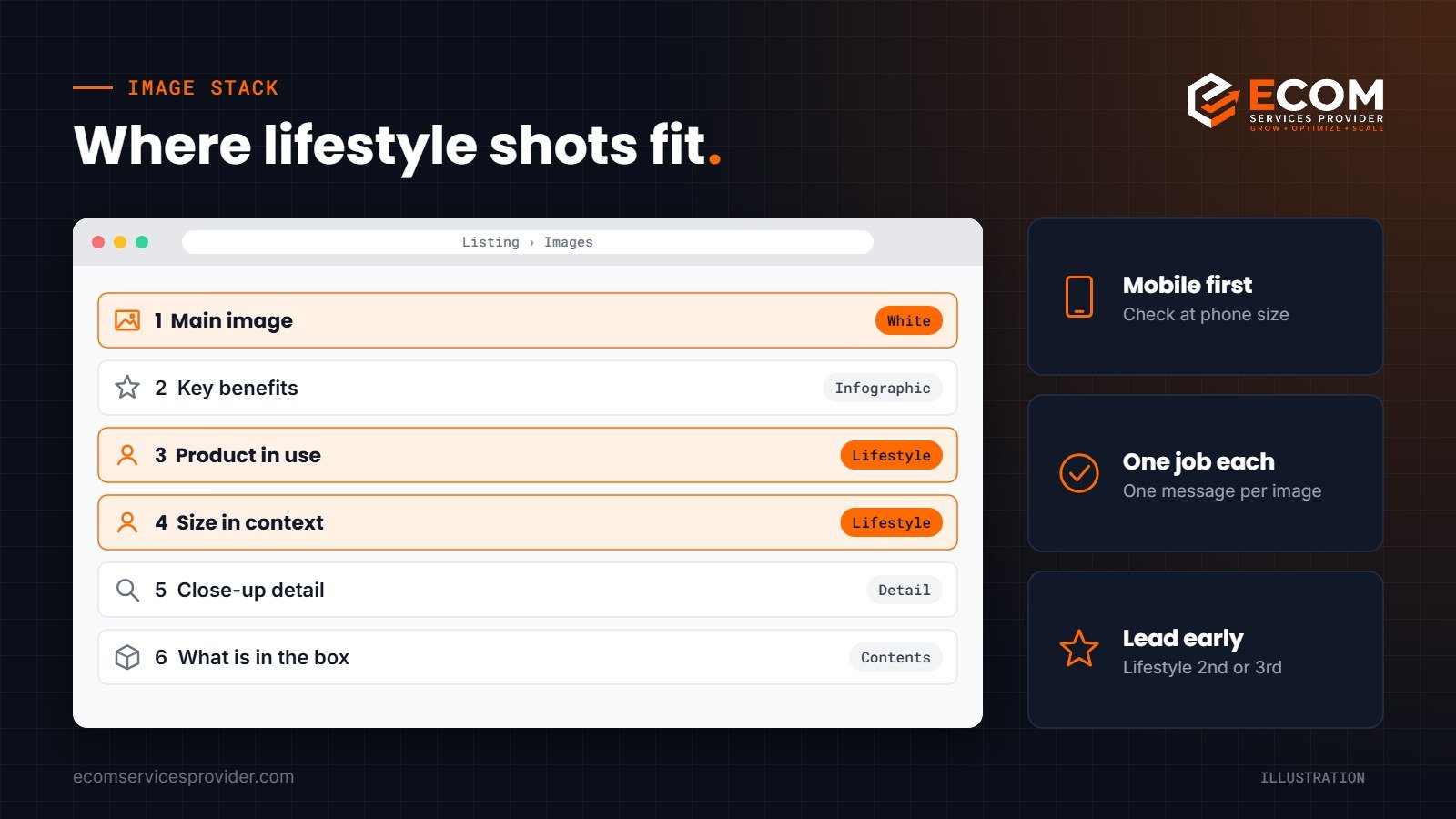
Your image stack is the order in which shoppers see your photos. Most will look at the first few images and decide whether to keep going, so order matters as much as quality.
A practical order for most products is:
- Main image on white
- Key benefits infographic
- Lifestyle image showing the product in use
- Lifestyle or scale image showing size in context
- Close-up detail or feature shot
- What is in the box, or a comparison of sizes or variants
Place your strongest lifestyle image early, ideally second or third. If the product’s main benefit is emotional, such as a gift or home décor item, it can lead straight after the main image.
How to Plan a Lifestyle Shoot
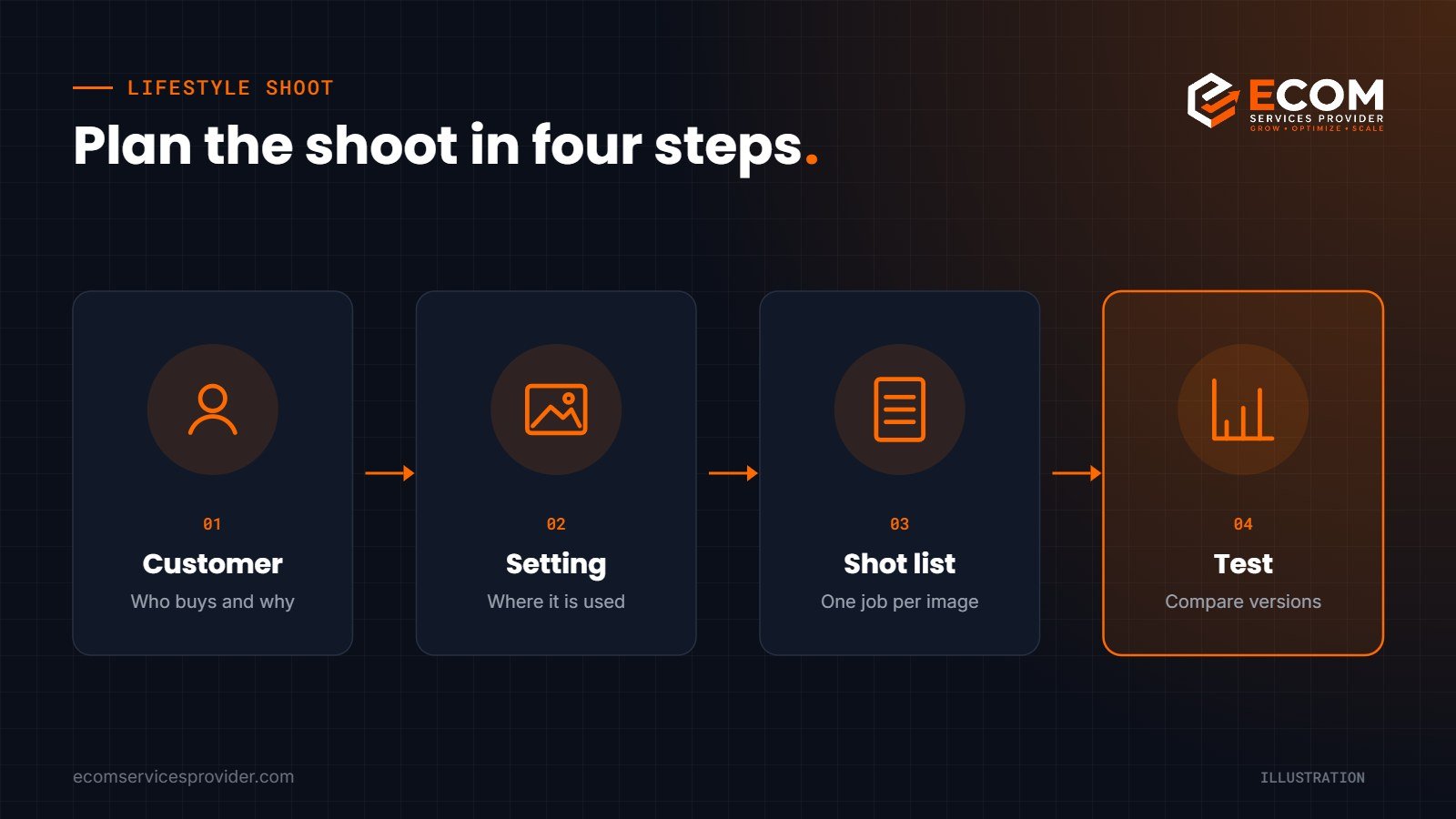
The best Amazon lifestyle images are planned, not improvised on the day. Use this process before you book a photographer or brief a designer.
Start with the customer
Read your reviews, your competitors’ reviews and the questions shoppers ask. Note who buys the product, where they use it and what they worry about before buying. Each worry is a shot you can plan.
Choose a believable setting
The setting should match the buyer, not the photographer’s taste. A camping stove belongs outdoors at a campsite, not on a studio table. Keep backgrounds simple so the product stays the hero.
Write a shot list
For each image, write one sentence on what it must prove. For example:
- “Fits easily in a carry-on bag” – the product packed in luggage
- “Comfortable for long use” – a person using it relaxed, mid-task
- “Looks good in a modern kitchen” – the product styled on a clean worktop
One clear message per image keeps the photo focused and easy to read on a small screen.
Styling Tips for Lifestyle Product Photography
- Light it naturally. Soft daylight or well-diffused lighting looks more trustworthy than harsh flash.
- Use few props. Every prop should support the story. If it could be mistaken for part of the product, remove it.
- Show real use. Hands mid-action and people focused on the task feel genuine. Stiff, posed smiles do not.
- Stay consistent. Use the same colour palette, light and editing style across all images so the listing feels like one brand.
- Respect the rules. Keep anything that is not included in the purchase clearly secondary, and avoid claims in images that your listing cannot support.
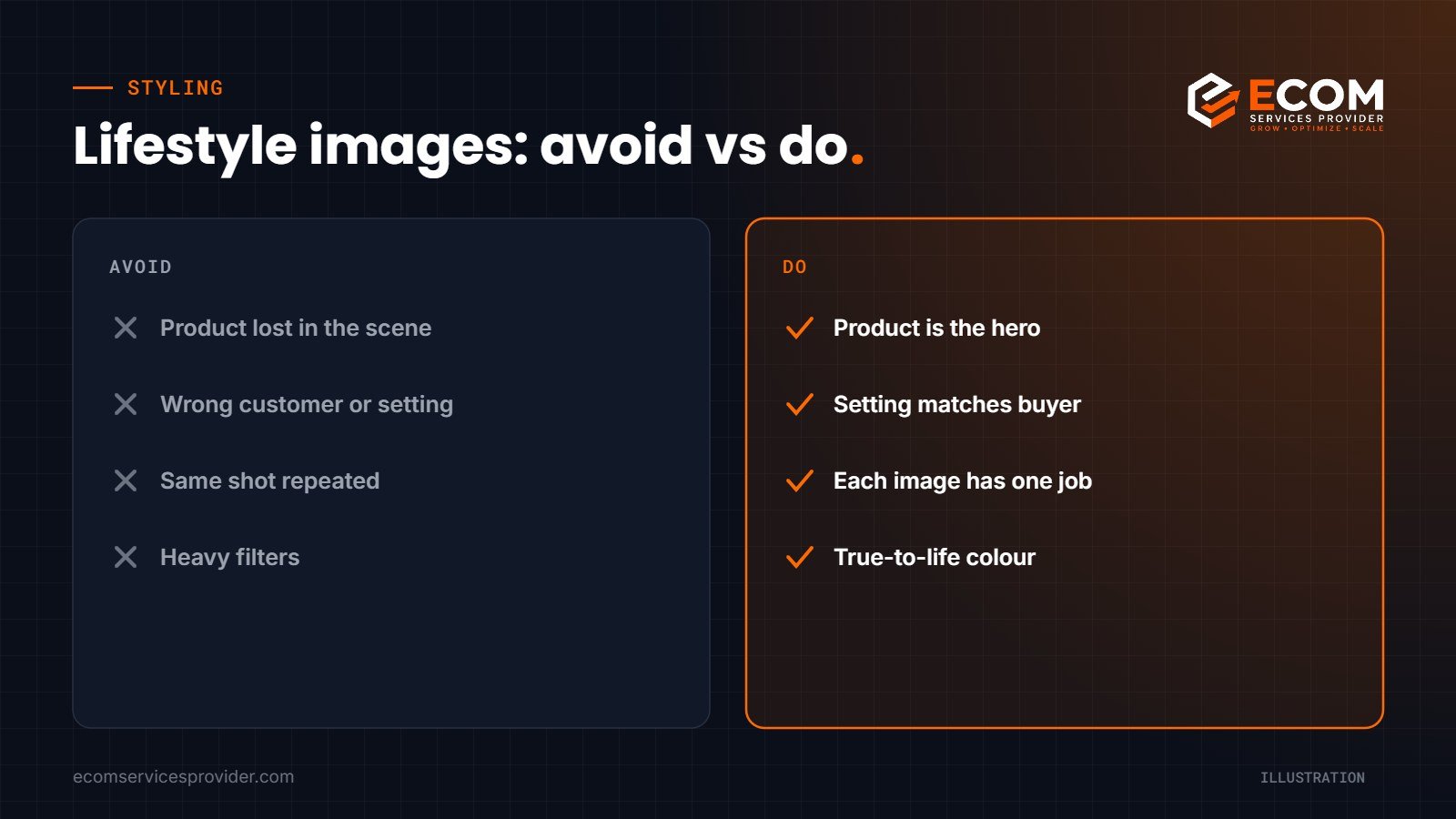
Common Lifestyle Image Mistakes
- Hiding the product. If the setting is more interesting than the product, shoppers remember the room, not what you sell.
- Choosing the wrong customer. A premium product shown in a cluttered, low-budget setting sends the wrong signal.
- Repeating the same shot. Three images of the product on the same table answer one question three times. Give each image a different job.
- Ignoring mobile. Small details and fine text disappear on a phone. Check every image at the size most shoppers will see it.
- Over-editing. Heavy filters and unrealistic colours lead to disappointed buyers and returns. The product should look exactly as it will arrive.
Test Which Images Win
You do not have to guess which lifestyle shot works best. Brand-registered sellers can use Amazon’s Manage Your Experiments tool to test different versions of product images, titles, bullet points, descriptions and A+ Content. Shoppers are split into groups, each sees a different version, and Amazon reports which performed better once there is enough data.
Test one meaningful change at a time, such as a lifestyle image in second position versus an infographic, so you know what made the difference.
How We Do It at ECOM Services Provider
Our product graphics team starts every lifestyle project with research, not with the camera. We review the listing, reviews and customer questions to find what shoppers need to see, then write a shot list where every image has one job. We plan settings, props and models to match the buyer, design the full image stack so lifestyle shots work alongside infographics, and check every image on a phone screen before delivery. Where the brand is eligible, we recommend testing key images so decisions are based on shopper behaviour.
Frequently Asked Questions
Can Amazon lifestyle images be used as the main image?
No. The main image must follow Amazon’s main image requirements and show the product on its own. Lifestyle shots belong in the secondary image slots.
How many lifestyle images should an Amazon listing have?
There is no fixed number, but most listings benefit from two or three lifestyle shots, balanced with infographics and detail images.
Do I need models for lifestyle product photography?
Not always. Hands, a styled setting or a product in use can be enough. Models help when the product is worn, held or used on the body.
Can I use AI-generated lifestyle images on Amazon?
Images must accurately represent the product being sold. Whatever method you use, check Amazon’s current image requirements and make sure the product itself is shown exactly as the customer will receive it.
Ready for Images That Sell?
ECOM Services Provider has 8+ years of eCommerce experience and has completed 768+ projects for brands worldwide. Our product graphics team plans and designs Amazon lifestyle images, infographics and full image stacks, our Amazon listing optimization service makes sure the copy matches the visuals, and our Amazon A+ Content designers carry the same style below the fold. Book a free consultation to talk through your listing.