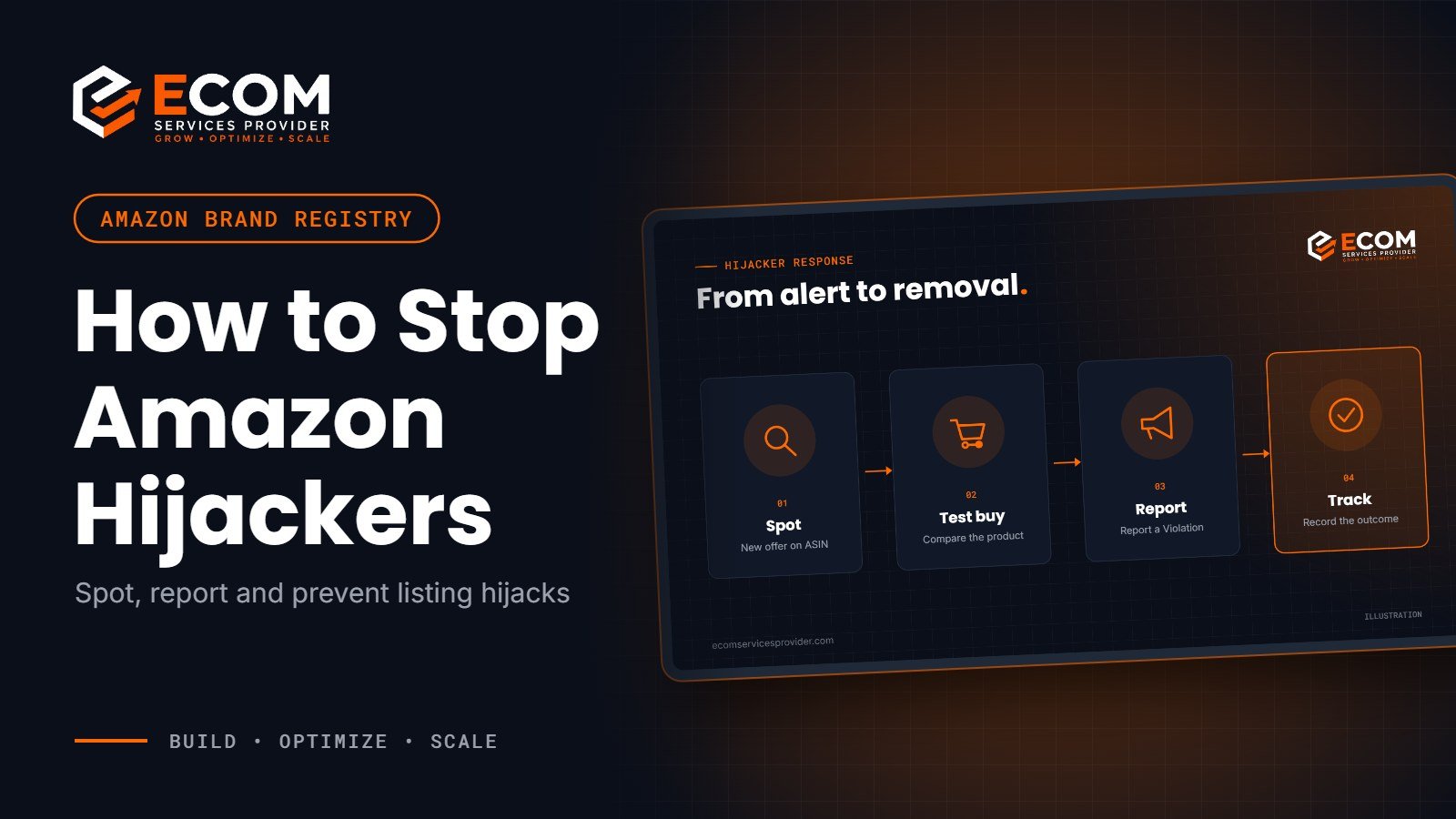
You open your listing and the Buy Box belongs to a seller you have never heard of. Their price is lower, their account is new and the reviews are starting to mention poor quality. This is the problem of Amazon hijackers: sellers who attach themselves to your product listing and take sales, damage trust or change your content without permission.
The good news is that brand owners have strong tools to fight back. This guide explains what hijacking is, how to spot it early, how to report it properly and which brand protection tools help stop it happening again.
What Are Amazon Hijackers?
Amazon allows more than one seller to offer the same product on a single listing (ASIN). That keeps the catalogue tidy for shoppers, but it also means anyone can add an offer to your listing. “Hijacker” is not an official Amazon term; sellers use it for three different problems:
- Counterfeit sellers who list fake or copied versions of your product on your ASIN
- Unauthorised resellers who sell genuine stock you never agreed to supply them
- Content hijackers who try to change your title, images or bullet points so the listing no longer matches your brand
The difference matters. Counterfeits and misuse of your trademark are intellectual property problems that Amazon can act on. A genuine product resold without your permission is usually a distribution issue between you and that reseller, not an IP violation, so reporting it as counterfeit can backfire.
How to Spot a Hijacker on Your Listing
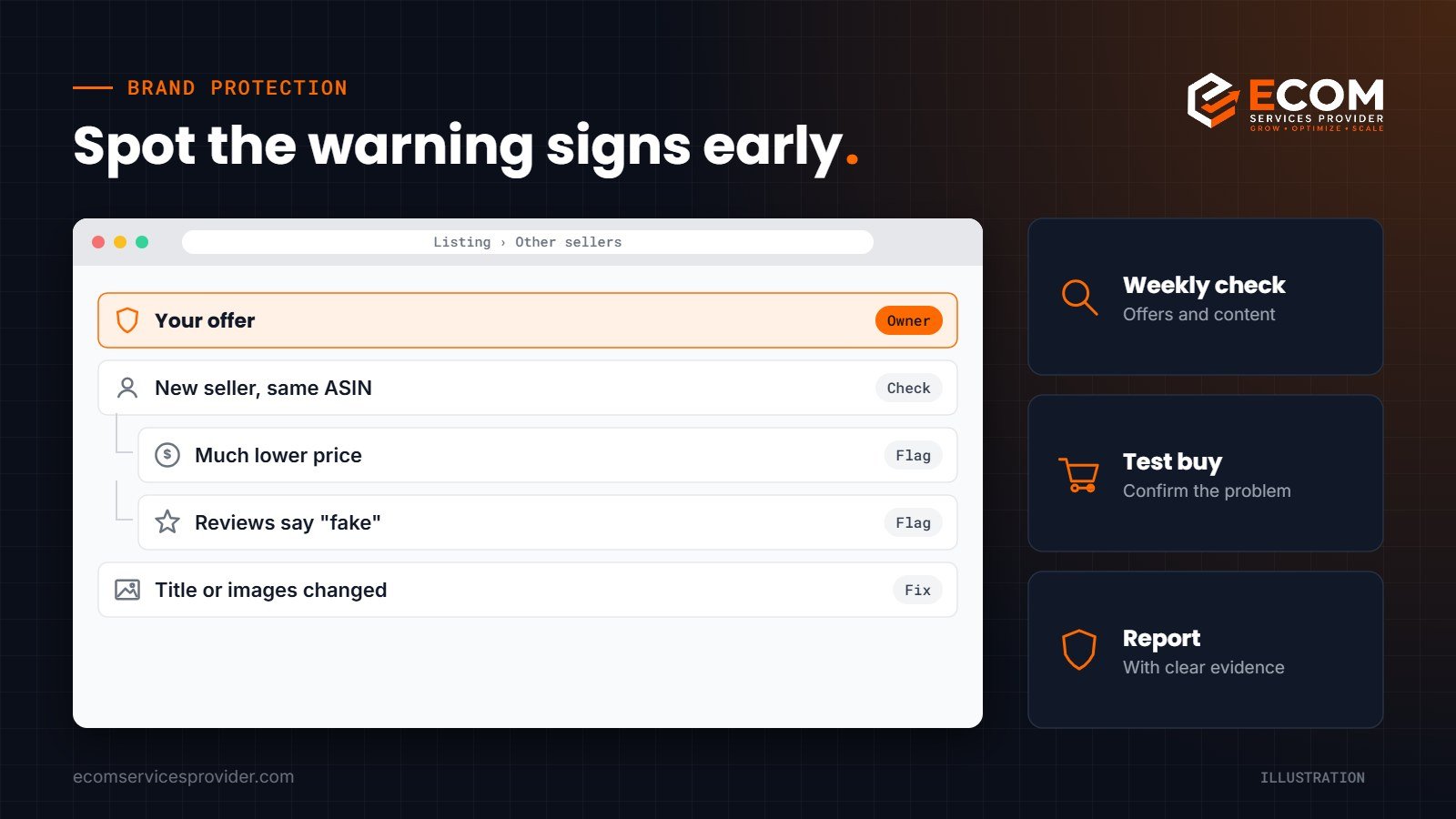
Most hijacks are noticed late, after sales drop or negative reviews appear. A short routine catches them sooner:
- Check the “Other sellers on Amazon” section of your top listings regularly
- Watch for new sellers with very low prices, little feedback or no history
- Read new reviews for words like “fake”, “different”, “used” or “not the same”
- Compare your title, images and bullet points with what you last approved
- Note any sudden drop in your Buy Box share or conversion rate
If you sell your product only through your own account, any new offer on your ASIN deserves a closer look. If you have authorised distributors, keep a list of their seller names so you can quickly tell a partner from a stranger.
How to Stop Amazon Hijackers Step by Step
When you find a suspicious offer, act quickly but carefully. A clear, accurate report is far more effective than an angry or rushed one.
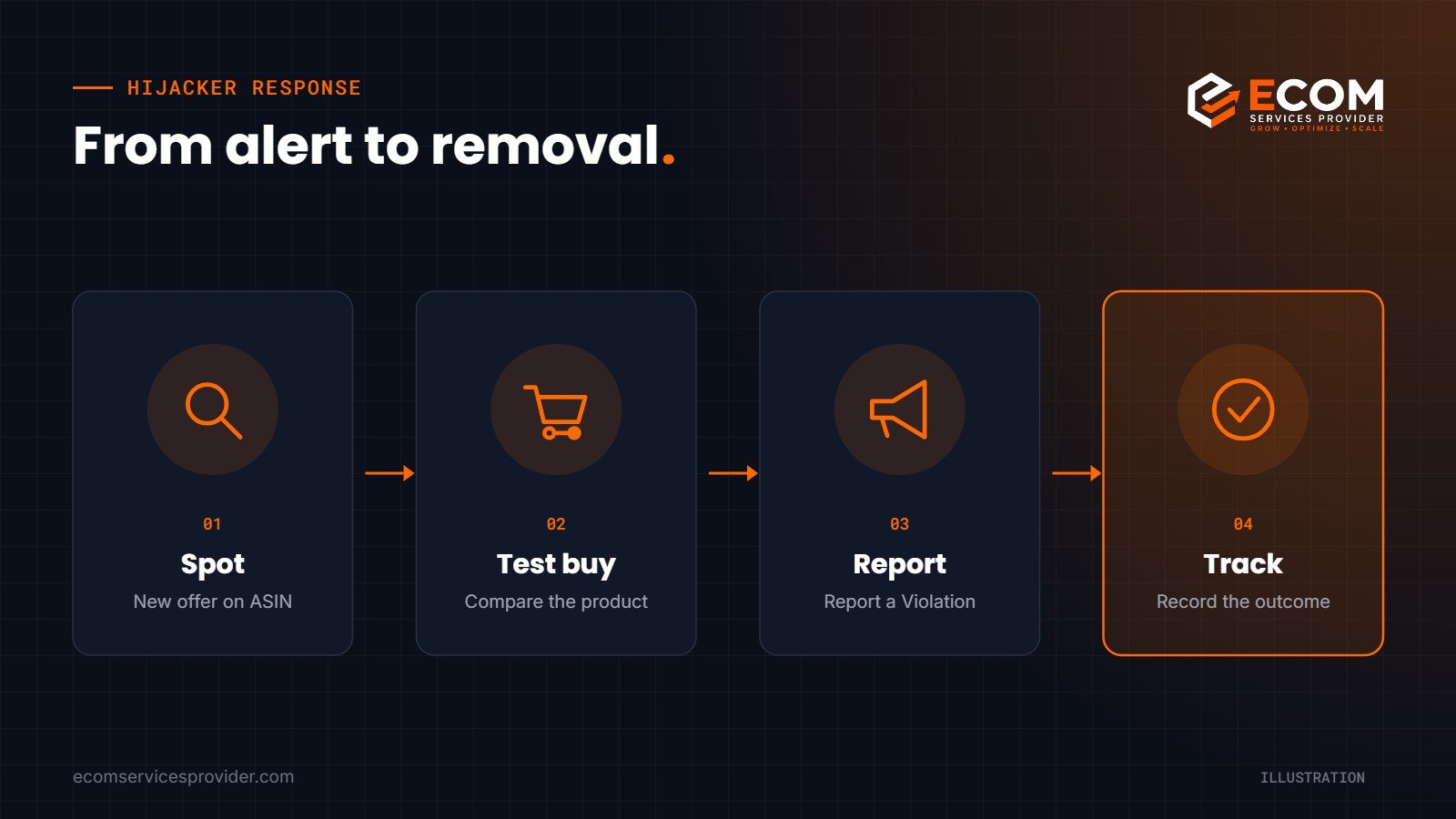
1. Confirm what you are dealing with
Decide whether it looks like a counterfeit, an unauthorised genuine reseller or a content change. Take screenshots of the offer, the seller’s storefront and the listing as it appears now, with the date.
2. Make a test buy
Amazon’s own Project Zero guidance recommends performing a test buy to confirm a violation. Order the item from the suspect seller and compare it with your genuine product: packaging, labels, materials, barcodes and quality. Keep the order ID and photographs.
3. File a report through Report a Violation
Brand owners enrolled in Amazon Brand Registry can use the Report a Violation tool to report suspected infringements. Choose the correct type of claim, list the affected ASINs, attach your evidence and explain the difference between your product and theirs in plain language.
4. Fix the listing content
If your detail page has been changed, correct the title, images and bullets as the brand owner. Brand Registry gives registered brands more control over the content shown on their listings.
5. Track the outcome and keep records
Record every report, its outcome and the date. A history of accurate reports helps you, because some advanced tools are only available to brands with a strong reporting record.
Amazon Brand Protection Tools That Prevent Hijacking
Reporting removes today’s problem. These Amazon brand protection tools help prevent the next one. All of them depend on Brand Registry, which needs a registered or pending trademark from a country where Amazon has a store.
Report a Violation
Amazon describes Report a Violation as a single place to report suspected intellectual property infringement, store policy violations and regulatory compliance issues. It is included free with Brand Registry.
Automated protections
Amazon uses information about your brand, such as your trademark and logo, to proactively find and remove suspected infringing listings. Accurate reports from brands help these protections improve over time.
Project Zero
Project Zero lets eligible brands remove counterfeit offers directly, without first contacting Amazon. To qualify, you need a registered trademark and a good reporting record in Report a Violation, including a high acceptance rate. Because removals are self-service, brands must stay highly accurate to keep access.
Transparency
Transparency puts a unique code on every unit you make. Amazon checks the codes on units sold through its stores, so items without a valid code can be stopped before they reach a customer. It needs a registered trademark and a GTIN for each product, and you must apply codes to every unit, wherever it is sold.
Common Mistakes When Dealing with Hijackers
Some reactions make the situation worse or put your own account at risk:
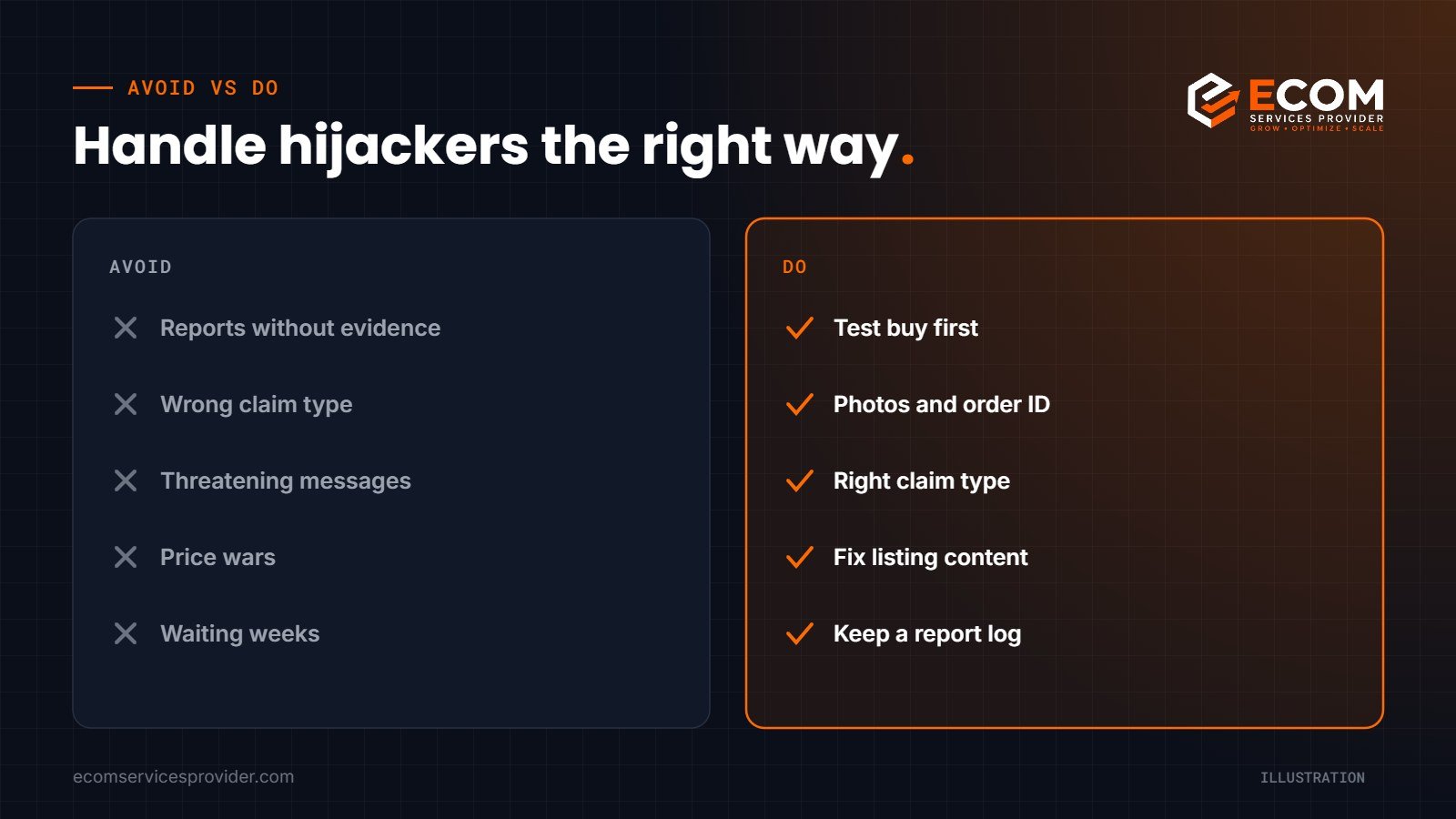
- Reporting a genuine reseller as a counterfeiter without evidence
- Using the wrong claim type, which leads to rejected reports
- Sending threatening messages instead of using Amazon’s tools
- Changing your price sharply to fight for the Buy Box
- Waiting weeks before acting, while reviews and rankings suffer
Inaccurate reports can lower your standing with Amazon and delay access to tools such as Project Zero. Always lead with evidence.
How We Do It at ECOM Services Provider
When a brand comes to us with a hijacked listing, we start by confirming the facts. We review the offers on the affected ASINs, check the listing history and help the brand arrange a test buy. Once the evidence is clear, we prepare a precise report through Report a Violation with the right claim type and supporting photographs.
We then restore any changed content, review the brand’s Brand Registry setup and set up a simple weekly monitoring routine as part of our Amazon account management work. Where a brand qualifies, we explain which further protections, such as Project Zero or Transparency, fit its product range and how to use them responsibly.
Frequently Asked Questions
What is a hijacker on Amazon?
It is a seller who adds an offer to your listing without permission, usually selling a counterfeit, an unauthorised product or trying to change your listing content.
Can Amazon remove sellers from my listing?
Amazon can remove offers that infringe your trademark or breach its policies when you report them with evidence. It does not usually remove genuine products resold by other sellers.
Do I need Brand Registry to stop hijackers?
You can contact Seller Support without it, but Brand Registry gives you Report a Violation, automated protections and access to Project Zero and Transparency.
How do I prove a product is counterfeit?
Make a test buy, then compare packaging, labels, barcodes and quality with your genuine product. Photographs and the order ID strengthen your report.
Protect Your Brand on Amazon
Amazon hijackers cost sales and damage hard-won reviews, but brands that monitor their listings, report accurately and use Brand Registry tools can keep control. ECOM Services Provider has 8+ years of experience and 768+ completed projects helping brands protect and grow their Amazon business, and our Amazon listing optimization team keeps your content strong once it is back under your control. Book a free consultation to review your listings today.