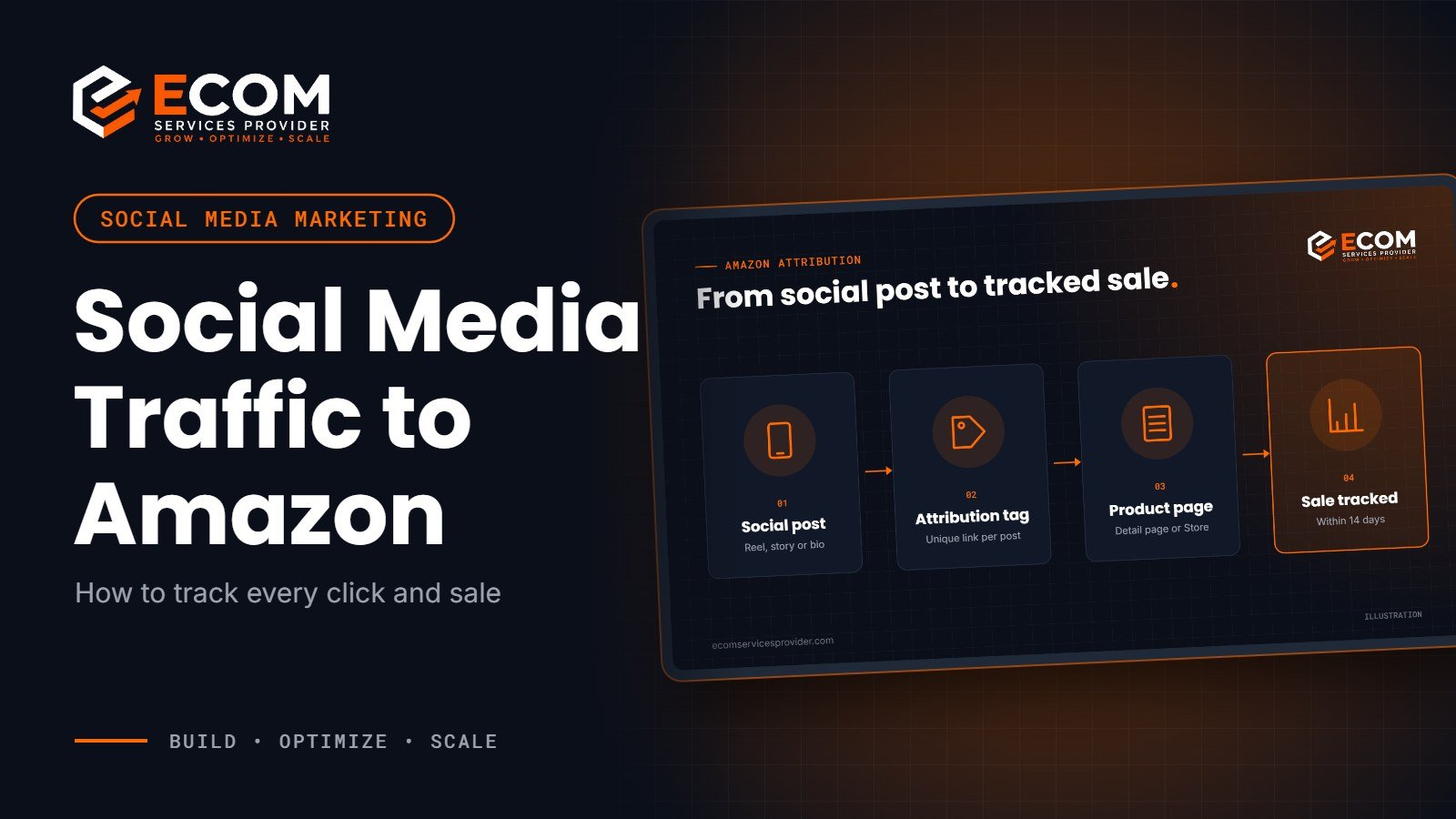
Posting on Instagram, TikTok or Facebook can bring real shoppers to your listings, but most sellers have no idea which posts actually lead to sales. Sending social media traffic to Amazon only pays off when you can see what each click turns into. Amazon gives registered brands two free tools for exactly this: Amazon Attribution, which measures off-Amazon marketing, and the Brand Referral Bonus, which rewards you for the sales that marketing brings in.
This guide explains how both work, how to set up tracking for your social posts, and how to use the data to spend your time and budget where it earns the most.
Why Send Social Media Traffic to Amazon?
Amazon’s own advertising is competitive, and every click inside the marketplace is fought over by other brands. Social media lets you reach shoppers before they start searching on Amazon at all. A short video showing your product in use, a creator review or a carousel post can create demand that Amazon search alone would never reach.
There is also a ranking angle. Sales that come from outside Amazon still count towards your listing’s sales history, so a well-run social campaign can support your organic visibility as well as bringing direct orders.
The problem has always been measurement. Without tracking, a link in your Instagram bio is a black box: you can see clicks in the social app and sales in Seller Central, but nothing connects the two.
Measure It With Amazon Attribution
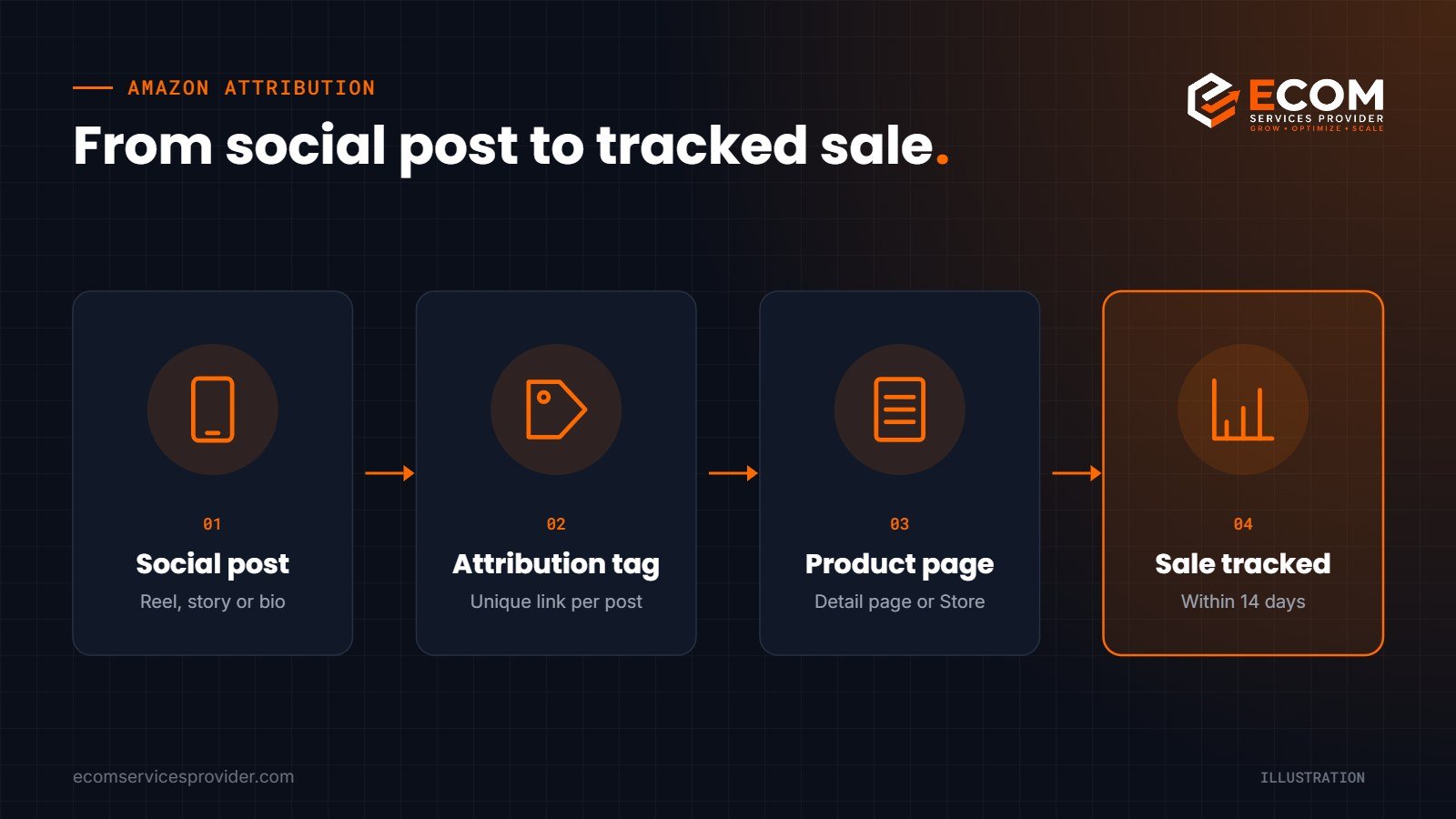
Amazon Attribution closes that gap. According to Amazon Ads, it is a free, self-service measurement tool that shows how marketing outside Amazon affects activity on your product pages and Store.
It is available to sellers enrolled in Amazon Brand Registry, to vendors, and to agencies working on their behalf. It measures paid and organic channels alike, including social media, search, display, video, email and affiliate links.
For every tagged link, Attribution reports:
- Clicks and detail page views
- Add to basket actions
- Purchases, units and sales
- New-to-brand purchases
- Brand halo sales (orders for your other products from the same visit)
Amazon uses a 14-day, last-touch model, so a purchase is credited to your social post if it happens within 14 days of that click and no other tagged click came after it.
How to Set Up Attribution Tags for Social Posts
Setting up tracking takes less time than most sellers expect. Inside your Amazon Ads account:
- Open Measurement & Reporting and choose Amazon Attribution.
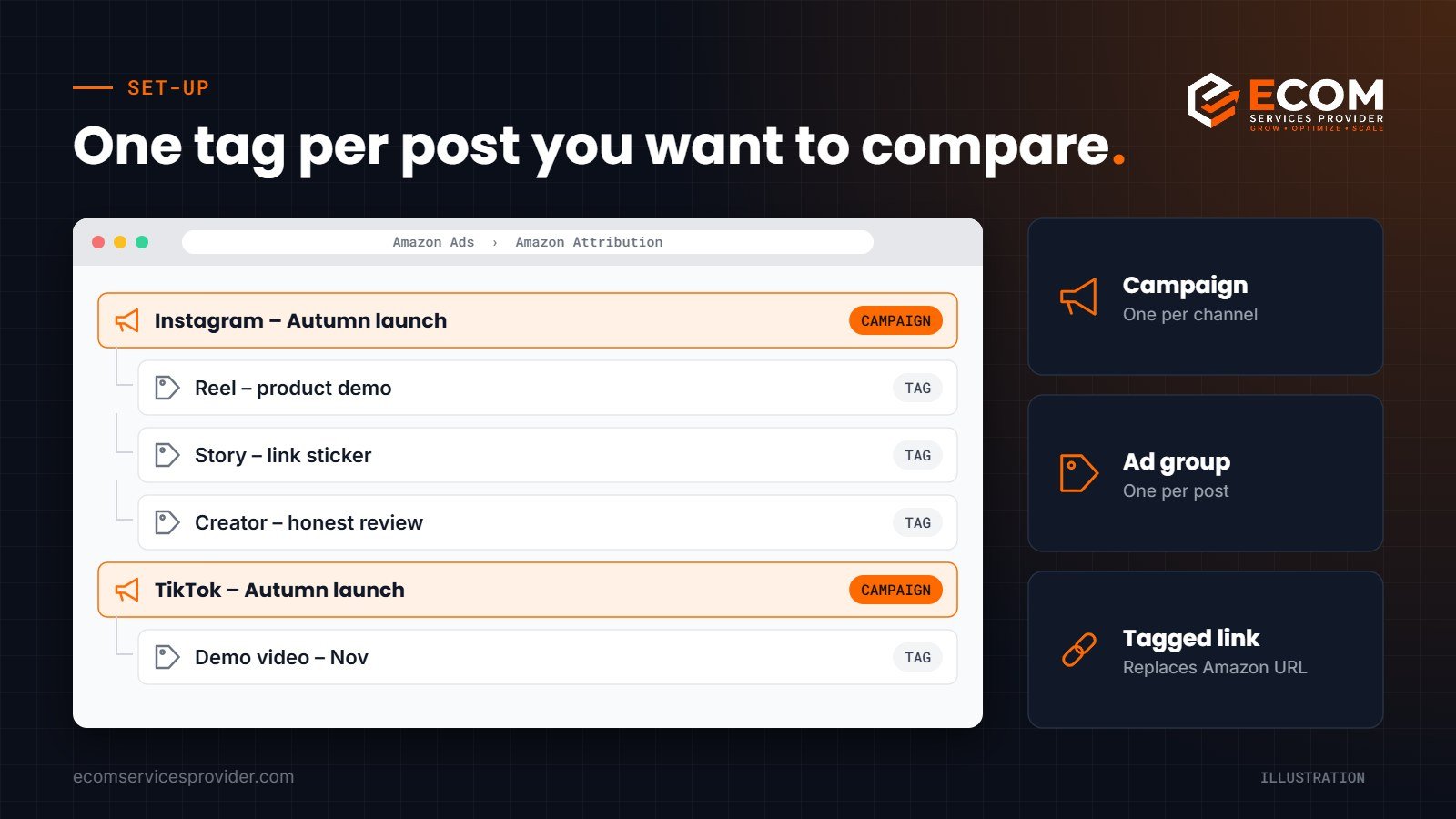
- Create a campaign for the channel, for example “Instagram – Autumn launch”.
- Add the products you will promote and create an ad group for each post, creator or placement you want to compare.
- Choose where the click should land: the product detail page or your Brand Store.
- Copy the attribution tag and use it as the link in your post, bio, story sticker or ad in place of the plain Amazon URL.
The key is to create separate tags for everything you want to compare. If every post uses the same link, you will know social media drove sales, but not which post, platform or creator did the work.
Naming that keeps your reports readable
Use a consistent pattern such as platform, content type and date, for example “TikTok – demo video – Nov”. After a few weeks you can sort your report and see straight away which formats deserve more effort.
Earn Back Fees With the Brand Referral Bonus
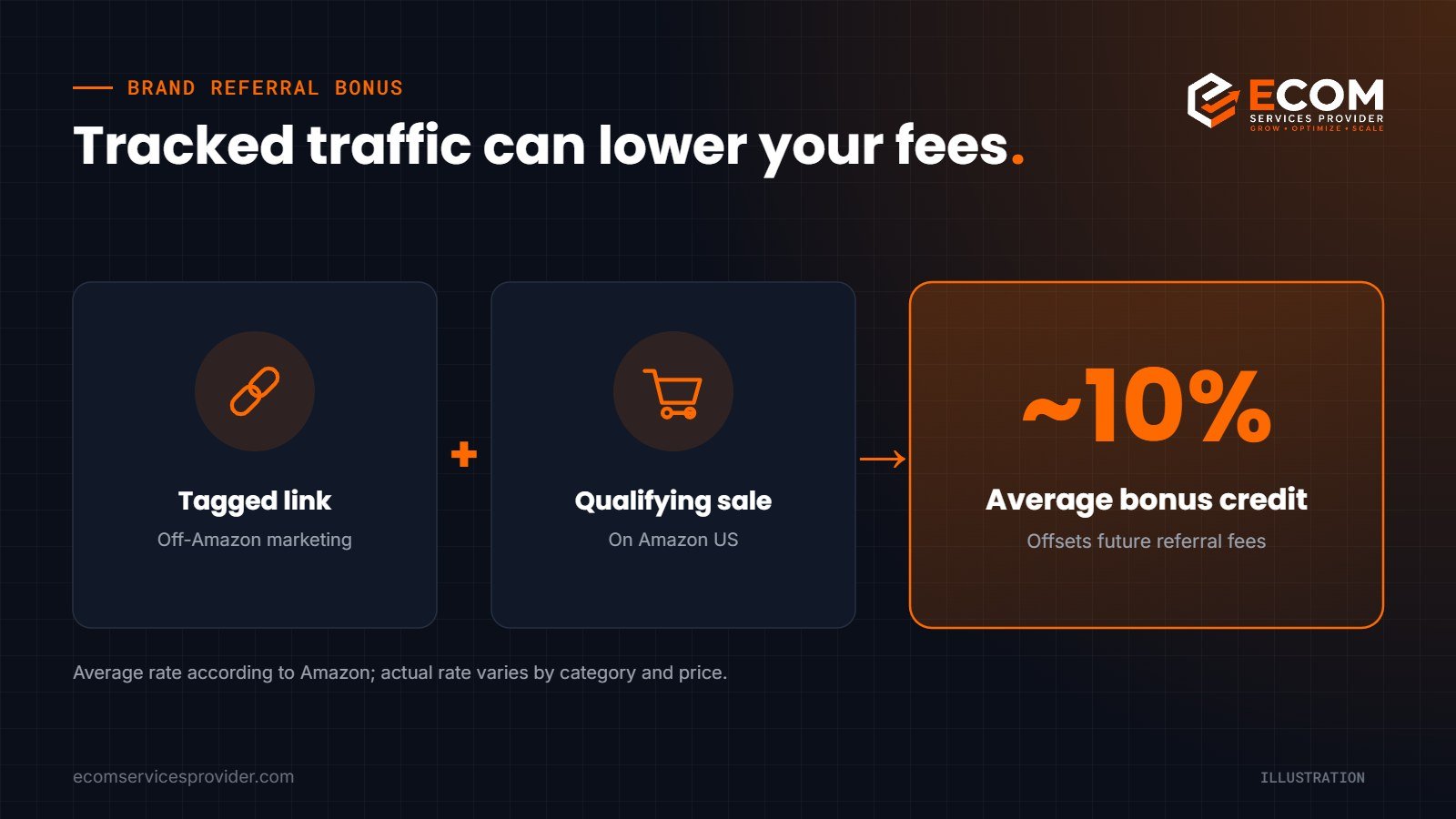
Once your social links are tagged, you can also get paid for the traffic you send. The Brand Referral Bonus gives eligible brands a credit on qualifying sales that came from non-Amazon marketing. Amazon says the bonus averages 10% of those sales, with the exact rate depending on category and price, and it is applied as a credit against future referral fees.
To qualify, you need to sell in Amazon’s US store on a Professional selling plan with your brand enrolled in Brand Registry, and every qualifying link must carry an Amazon Attribution tag. Sales driven by Amazon’s own ads do not count, and the bonus is typically credited after a waiting period that allows for returns.
In practice, this means tracking is not just reporting: the same tags that show you what works can also reduce your selling costs.
Which Social Channels Work Best for Amazon Sellers
There is no single best platform for social media traffic to Amazon; it depends on your product and audience. A few patterns hold for most brands:
- Instagram and Facebook suit products with strong visuals and broad audiences. Reels, carousels and stories with a tagged link sticker all work well.
- TikTok rewards demonstrations, before-and-after clips and honest creator reviews. Products that solve a visible problem tend to travel furthest.
- Pinterest is useful for home, kitchen, fashion and gift products, where shoppers plan purchases in advance.
- YouTube works for higher-priced or technical products, where buyers want detailed reviews before ordering.
Start with one or two channels where your customers already spend time, tag everything, and let the Attribution data tell you where to expand.
Common Mistakes to Avoid
- Sending traffic to a weak listing. Social clicks are expensive to earn. If your images, title and bullets do not convince, the traffic leaks away. Fix the listing first.
- Using one link for everything. You lose the ability to compare posts and creators.
- Linking to search results. Send shoppers straight to your detail page or Store, so competitors’ products are not one tap away.
- Judging too early. With a 14-day window, give campaigns at least two weeks before deciding what works.
- Forgetting the bonus. If you are eligible and your links carry tags, enrol so qualifying sales earn credit.
How We Do It at ECOM Services Provider
When we plan social campaigns for Amazon brands, we start with the listing rather than the post. We check that the product page is ready to convert, then build an Attribution campaign with a separate tag for each platform, content format and creator. Posts go live with those tags in bios, stickers and ad links, and we review the Attribution report weekly, moving effort towards the formats that bring detail page views and purchases, not just likes. Where the brand is eligible, we make sure the Brand Referral Bonus is active so the traffic also earns fee credits.
Frequently Asked Questions
Is Amazon Attribution free?
Yes. Amazon Attribution is free to use for eligible sellers, vendors and the agencies that manage their accounts.
Do I need Brand Registry to track social media traffic?
For sellers, yes. Amazon Attribution is available to sellers enrolled in Amazon Brand Registry, and the Brand Referral Bonus also requires Brand Registry.
Can I track organic posts, or only paid ads?
Both. You can use an attribution tag in any link, including organic posts, bio links, stories, emails and influencer content.
How long does Amazon credit a sale to my social post?
Amazon Attribution uses a 14-day, last-touch window. A purchase within 14 days of a tagged click is credited to that click, as long as no later tagged click replaced it.
Ready to Turn Social Media Into Amazon Sales?
ECOM Services Provider has 8+ years of eCommerce experience and has completed 768+ projects for brands worldwide. Our social media marketing team plans and tracks campaigns that send social media traffic to Amazon, while our Amazon Brand Registry support unlocks Attribution and the Brand Referral Bonus. Pair it with Amazon PPC management to cover shoppers both on and off Amazon. Book a free consultation to talk through your brand.