Choosing a platform is the first big decision in any online store project, and it shapes everything that follows: design, running costs, maintenance and how easily you can grow. For most small and mid-sized brands the choice comes down to Shopify vs WooCommerce. Both are proven, both power a huge number of stores, and both can look excellent. They simply suit different businesses.
This guide compares the two on the points that matter in practice, so you can choose with confidence before any design work begins.
Shopify vs WooCommerce: The Core Difference
The biggest difference is who runs the technology.
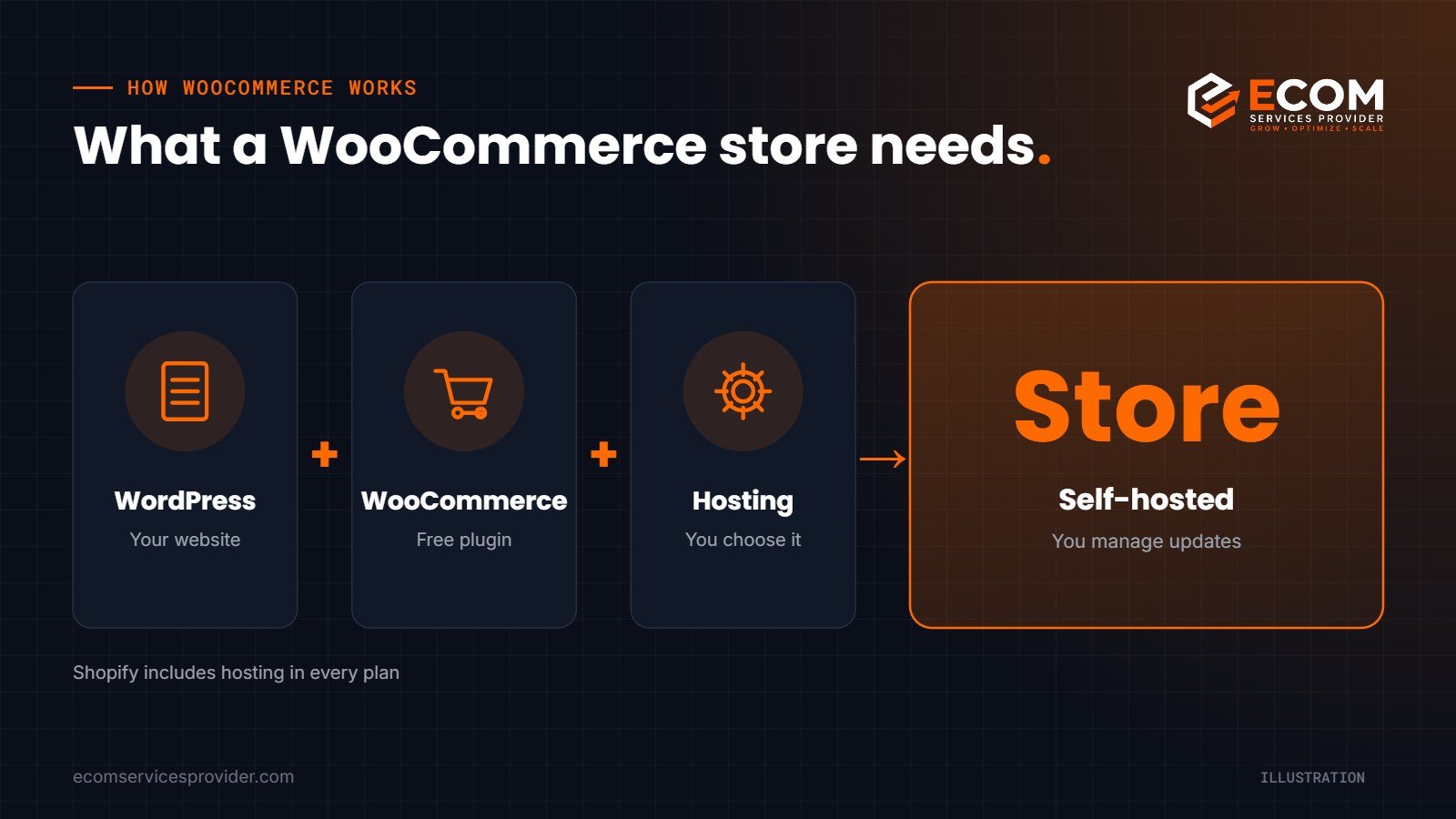
Shopify is an all-in-one, hosted commerce platform. You pay for a plan and Shopify provides the hosting, security certificate and core store software. According to Shopify’s pricing page, hosting is included with every plan, so you do not buy it separately.
WooCommerce is an open-source commerce plugin for WordPress. WooCommerce says it is free to download and free to modify. You install it on a WordPress website and choose your own hosting, payment providers and extensions.
In short, Shopify is like renting a fully serviced shop, while WooCommerce is like owning the building: more freedom, but more responsibility.
Ease of Use and Maintenance
Shopify is usually quicker to get started. There is no server to manage, updates to the core platform happen for you, and the admin area is designed purely for selling. For a team without technical support, this is a real advantage.
WooCommerce gives you the full WordPress dashboard. It is familiar to anyone who already runs a WordPress site, but you are responsible for keeping WordPress, WooCommerce, your theme and plugins up to date, and for choosing a reliable host. A good host makes a big difference to speed, stability and security.
Design Flexibility and Customisation
Both platforms offer professional themes, and both can be fully customised by a developer.
- Shopify uses its own theme system and app store. Most design changes are made inside the theme editor, and extra features usually come from apps.
- WooCommerce benefits from the whole WordPress ecosystem, so almost any layout, page builder or feature is possible. You also have full access to the code and database.
If you need an unusual checkout flow, complex product options or deep integration with other systems, WooCommerce’s open nature can make it easier. If you want a polished store quickly with fewer moving parts, Shopify is often simpler.
Costs to Plan For
We do not quote prices here because they change, but the cost structure is different and worth understanding.
Shopify costs
- A monthly or yearly plan, which includes hosting
- Paid themes and apps, if you need them
- Payment processing fees, plus extra transaction fees on some plans if you use a third-party payment gateway instead of Shopify Payments
WooCommerce costs
- Hosting and a domain name, chosen and paid for by you
- Premium themes and extensions, if you need them
- Payment provider fees from whichever gateway you choose
- Developer time for updates, security and maintenance
WooCommerce can be cheaper at the start, but maintenance time is a real cost. Shopify is predictable, but apps can add up as your store grows.
Payments and Checkout
Checkout is where design decisions turn into revenue, so it deserves its own place in the Shopify vs WooCommerce comparison.
Shopify Payments is built into Shopify, so you can accept cards without setting up a separate provider in most supported countries. You can use other gateways, but Shopify charges an extra transaction fee on some plans when you do.
WooCommerce lets you choose almost any payment provider through extensions, from major card processors to local payment methods. That flexibility is useful if you sell in several countries or already have a preferred provider, but each gateway has to be set up, tested and kept up to date.
Whichever you choose, keep the checkout short: guest checkout, clear delivery costs early, trusted payment options and as few form fields as possible. A simple, fast checkout often matters more than any feature list.
SEO and Content
Both platforms can rank well in Google when they are set up properly. What matters most is fast pages, clean structure, unique product content and good internal linking, not the platform name.
WooCommerce inherits WordPress’s strength as a content platform, which suits brands planning a serious blog or resource hub. Shopify includes a blog and the essential SEO settings, with apps available for more advanced needs. On either platform, a thoughtful ecommerce website design and well-written category and product pages will do more for your rankings than the choice of software.
Which Is the Best Ecommerce Platform for You?
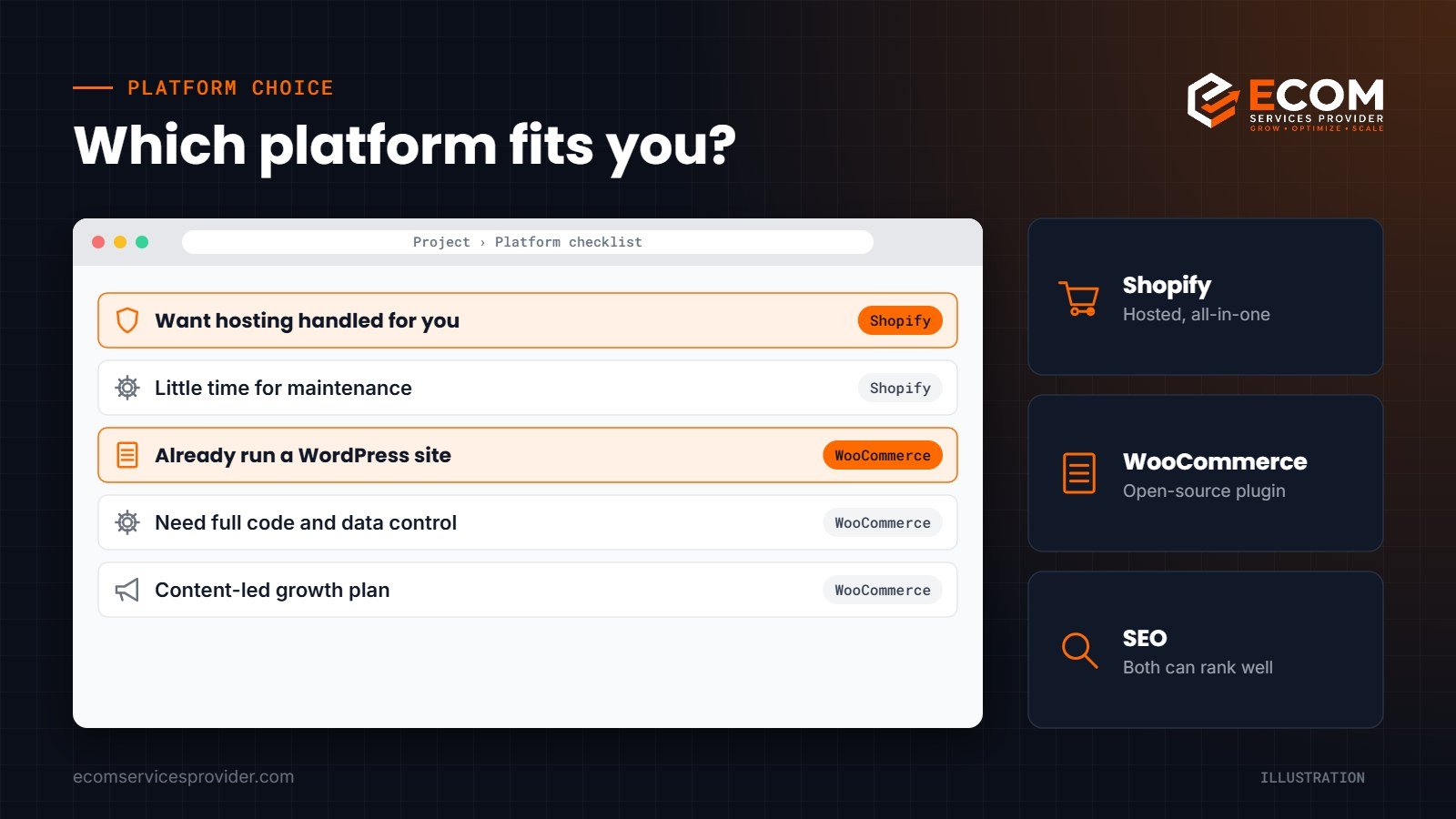
There is no single best ecommerce platform, only the best fit for your business. Use these questions as a guide:
- Do you want hosting, security and updates handled for you? Choose Shopify.
- Do you already run a WordPress website with valuable content? WooCommerce lets you add a store without moving.
- Do you need full control over code, data and features? WooCommerce is more flexible.
- Do you have little time or technical help? Shopify keeps maintenance light.
- Will content marketing be central to your growth? WooCommerce on WordPress is a strong choice, though Shopify can work too.
If your answers are split, think about the next three years rather than the next three months. Moving platforms later is possible, but it takes time and careful redirects to protect your search rankings.
Selling on Amazon Too?
Many brands run their own store alongside Amazon. Your website is where you control the brand experience, collect customer emails and build long-term loyalty, while Amazon brings marketplace traffic. Whichever platform you choose, keep product photography, descriptions and brand style consistent across both so shoppers recognise you everywhere.
How We Do It at ECOM Services Provider
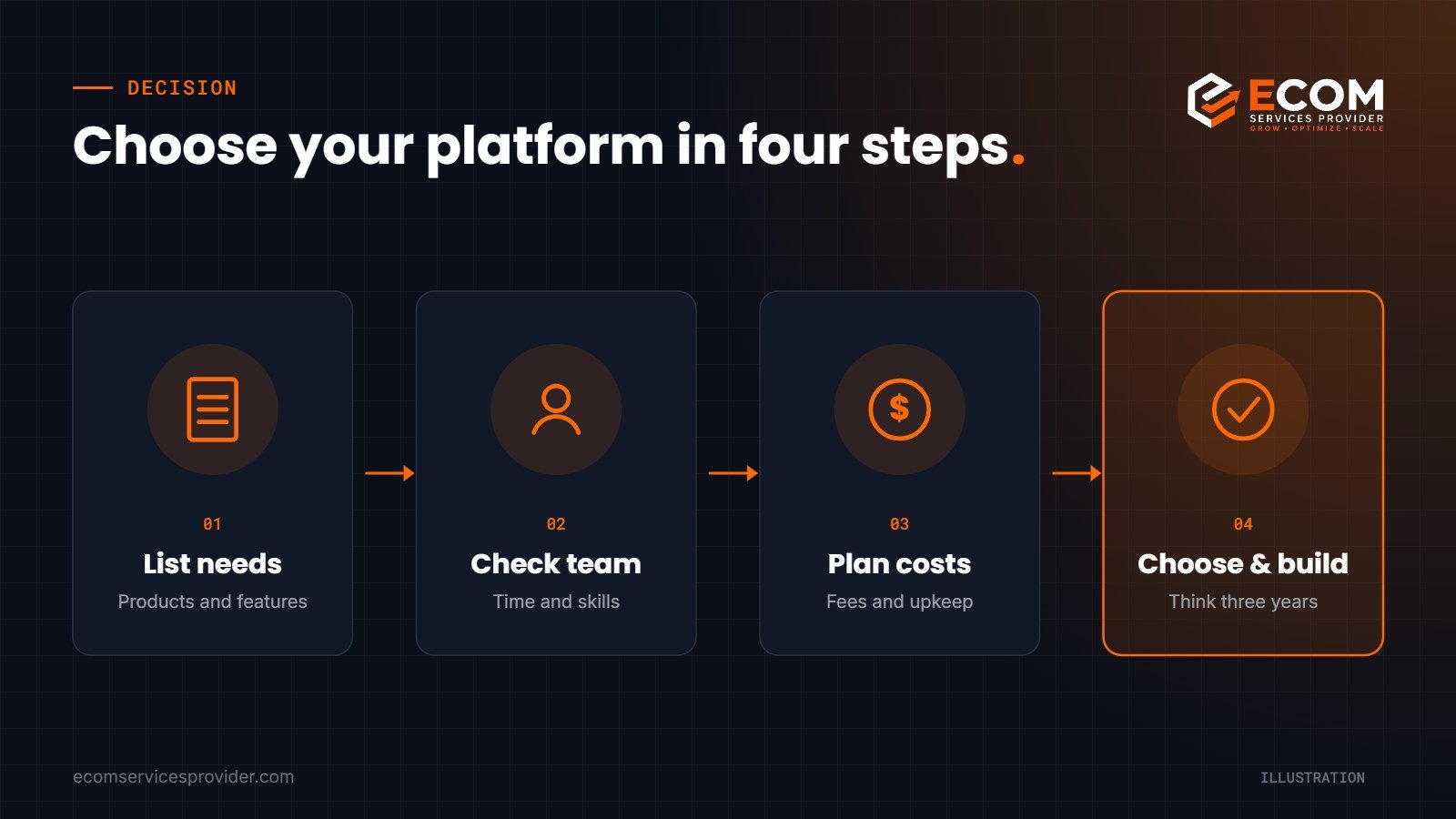
When a brand asks us to build a store, we do not start with a platform preference. We first look at the product range, team size, budget for ongoing maintenance, existing website and content, and growth plans. From there we recommend Shopify or WooCommerce, explain why, and plan the site structure, key pages and checkout journey. Our designers then build a mobile-first store with clear navigation and fast pages, and we set up the essential SEO foundations before launch so the new site starts on the right footing.
Frequently Asked Questions
Is WooCommerce really free?
The WooCommerce plugin is free to download and use. You still pay for hosting, a domain and any premium themes or extensions you choose.
Is Shopify or WooCommerce better for beginners?
Shopify is usually easier for beginners because hosting, security and core updates are handled for you.
Shopify vs WooCommerce: which is better for SEO?
Both can rank well. Results depend far more on site speed, structure and content quality than on the platform itself.
Can I move from WooCommerce to Shopify later?
Yes. Products, customers and orders can be migrated, but plan redirects carefully so you keep your existing search rankings.
Ready to Build Your Online Store?
ECOM Services Provider has 8+ years of eCommerce experience and has completed 768+ projects for brands worldwide. Our eCommerce website design team will help you settle the Shopify vs WooCommerce question and build the store, our SEO services help it get found, and our product graphics team makes every product look its best. Book a free consultation to talk through your project.