Every listing change is a guess until you test it. A new main image might lift sales, or it might quietly lose them, and comparing this month with last month cannot tell you which, because seasons, prices and competitors all change at the same time. Amazon A/B testing removes the guesswork by showing two versions of your content to different shoppers at the same time.
Amazon’s built-in tool for this is called Manage Your Experiments. This guide explains what you can test, who is eligible, how to set up a test properly and how to read the results.
What Is Amazon A/B Testing?
A/B testing, also called split testing, compares two versions of the same page element. Version A is your current content. Version B is the new idea. Shoppers are randomly split into groups, each group sees one version, and the results show which version led to more sales.
Because both versions run during the same period, outside factors such as seasonality or a competitor’s promotion affect both equally. That makes the result far more reliable than a simple before-and-after comparison.
What You Can Test With Manage Your Experiments
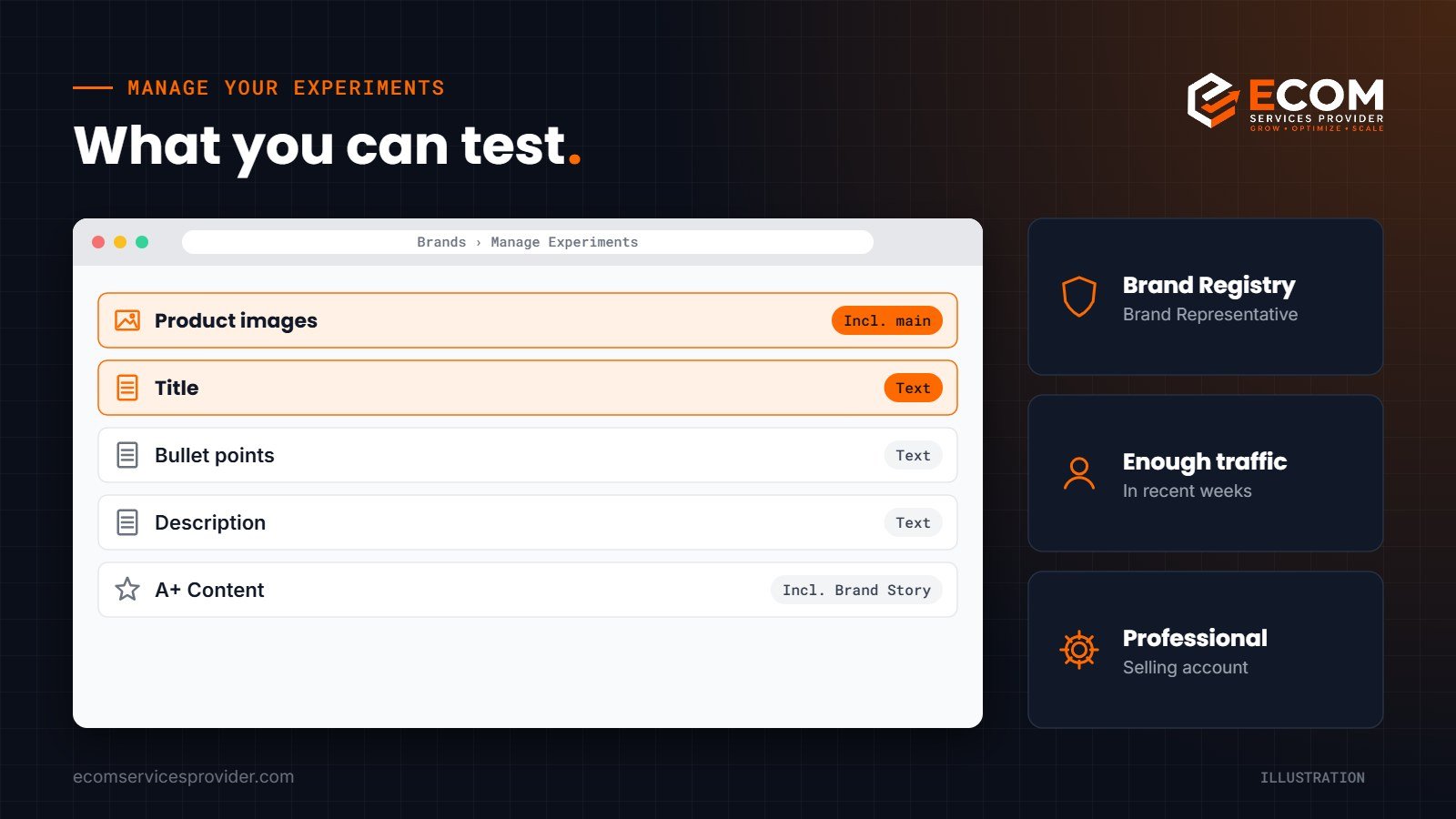
According to Amazon’s Manage Your Experiments page, brands can test different versions of:
- Product images, including the main image
- Titles
- Bullet points
- Product descriptions
- A+ Content, including Brand Story
Amazon also supports multi-attribute experiments, where several elements, such as the title, images and bullet points, change together. These are useful for testing a complete new listing approach, although they tell you less about which single change made the difference.
Who Is Eligible for Amazon Split Testing?
Manage Your Experiments is a brand tool, so it has a few requirements:
- A Professional selling account
- The Brand Representative role for a brand enrolled in Amazon Brand Registry
- A product that belongs to that brand and has received enough traffic in recent weeks
- For A+ Content or Brand Story tests, published A+ Content or a Brand Story on the product
Traffic is the requirement that catches most sellers out. Low-traffic products may not be eligible, because Amazon needs enough shoppers to reach a meaningful result.
How to Set Up an Amazon A/B Testing Experiment
In Seller Central, the tool sits under Brands, then Manage Experiments. The setup itself is quick; the planning is what makes a test useful.
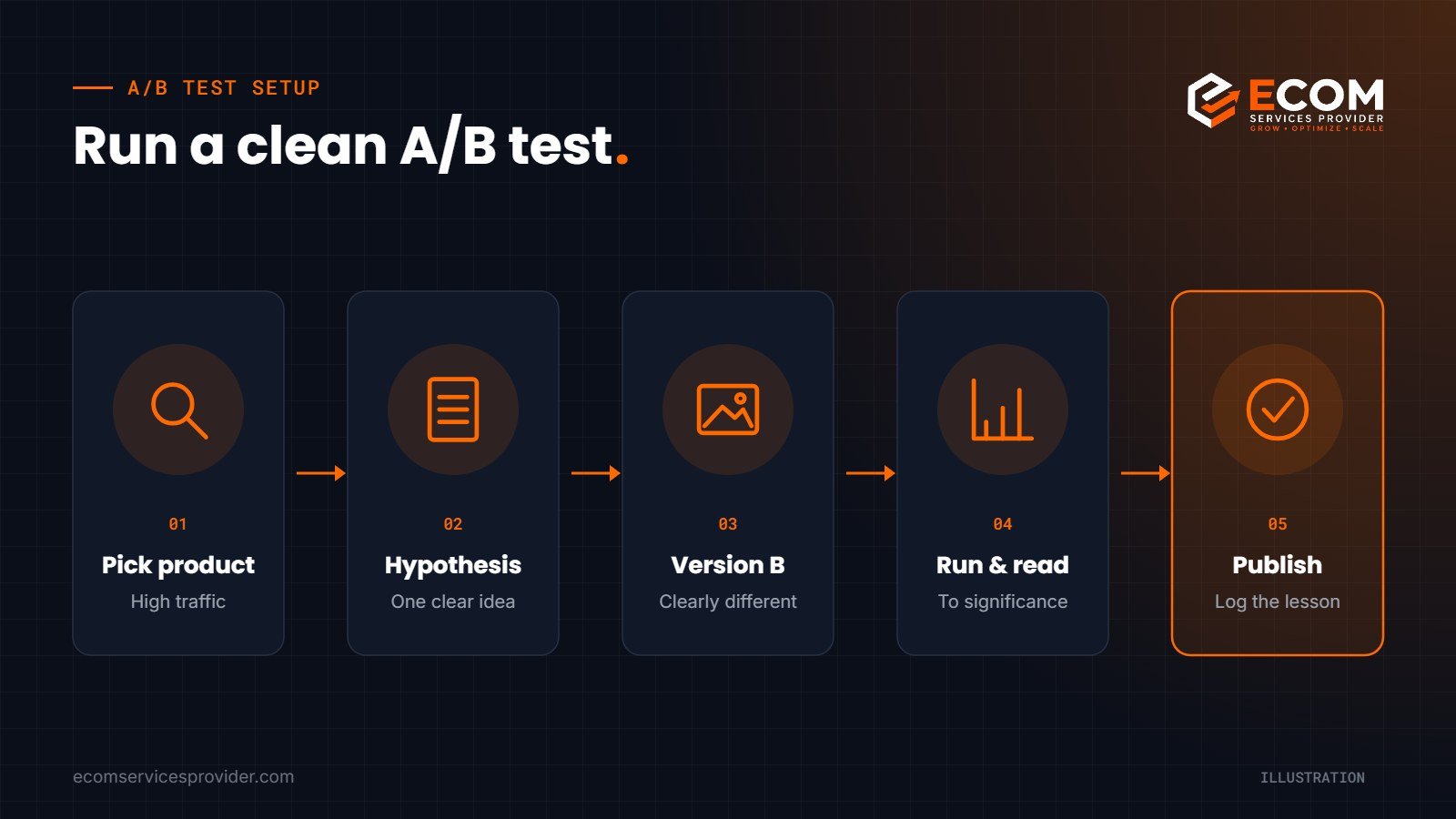
- Pick the product. Start with a high-traffic product where a small improvement makes a big difference.
- Choose one element to test. The main image and title usually have the most influence on whether shoppers click.
- Write a clear hypothesis. For example: “A main image showing the full set will increase sales compared with a single item.”
- Create a version that is clearly different. Amazon recommends making experimental content significantly different from your existing content. Tiny changes rarely produce a clear winner.
- Choose the duration. You can let the test run until it reaches significance, or set a fixed length.
- Leave it alone. Avoid changing the price, running a big promotion or editing the listing while the test runs.
How long should an experiment run?
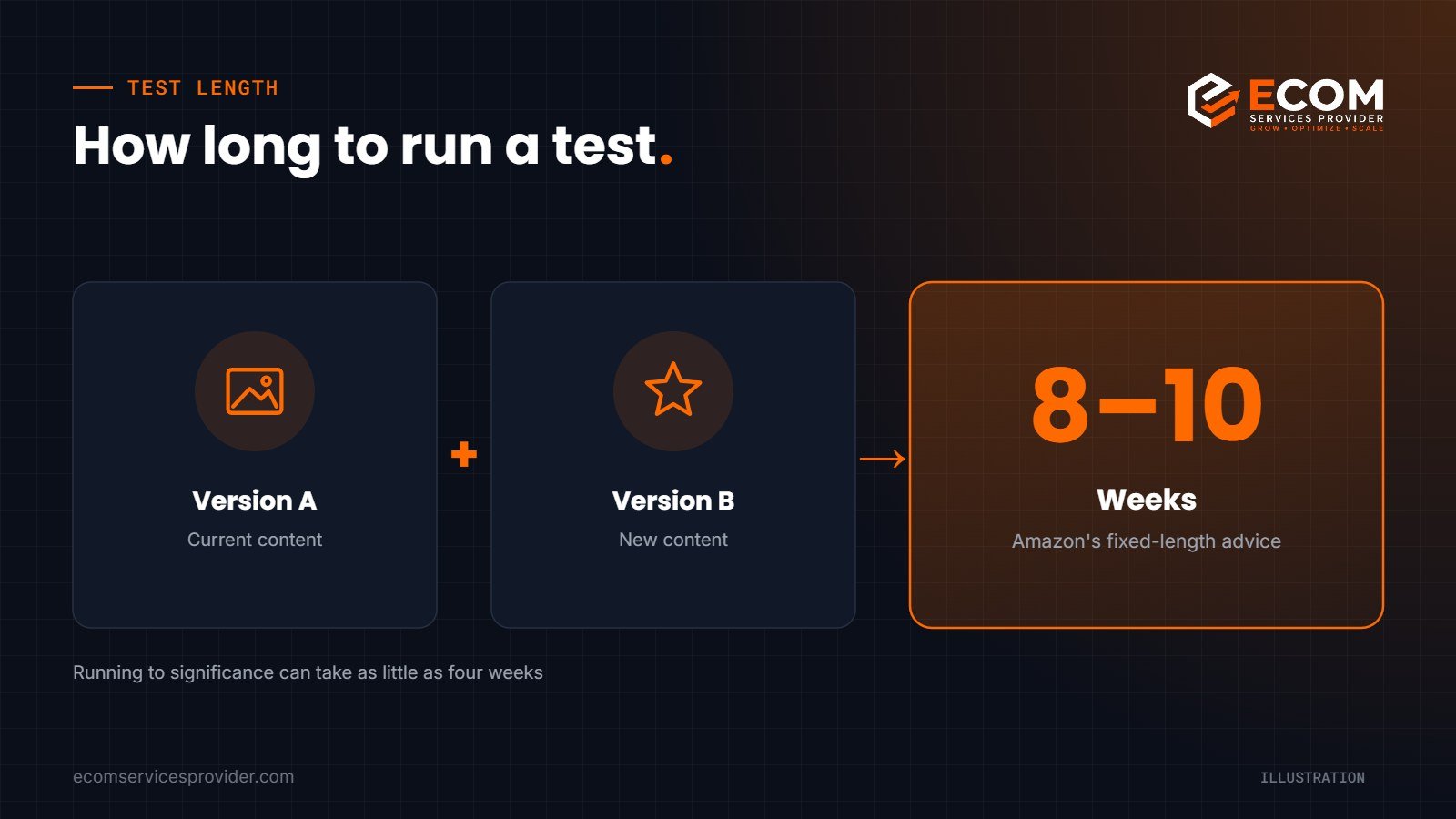
By default, Amazon runs an experiment until there is enough data to declare a winner, and says results can sometimes arrive in as little as four weeks. If you set your own duration, Amazon recommends 8 to 10 weeks.
Reading Your Experiment Results
Amazon reports results once it has gathered enough data to offer statistically significant findings. The results show metrics for each version, including:
- Units sold and sales
- Conversion rate
- Units sold per unique visitor
- Sample size
Amazon also shows a projected one-year impact of the winning content on your sales. Treat projections as a guide rather than a promise, because demand, competition and pricing will keep changing.
When a winner is clear, publish it and record what you learned. If the result is inconclusive, that is still useful: it tells you the change did not matter much to shoppers, so your next test should try something bolder.
Check results against your other data
Experiment results are strongest when they agree with what else you can see. After publishing a winner, keep an eye on your Business Reports for sessions and unit session percentage, and on your advertising reports for click-through and conversion rates. If a new main image wins the experiment and your ad click-through rate also improves, you can be confident the change is real and worth repeating on similar products.
Listing Optimization Ideas Worth Testing
If you are not sure where to start, these tests often teach brands the most about their listing optimization:
- Main image angle or contents – the product alone versus the product with everything included in the box
- Title order – leading with the main benefit versus leading with the product type
- Bullet structure – benefit-led bullets versus feature-led bullets
- A+ Content layout – a comparison chart higher up versus lifestyle modules first
- Brand Story – a range-focused carousel versus a story-focused one
Keep a simple log of every test: the date, the hypothesis, both versions and the result. Over time, this becomes a playbook for your whole catalogue.
Common A/B Testing Mistakes
- Testing tiny changes. A comma in the title will not produce a clear result.
- Changing several things by accident. If the price or a coupon changes mid-test, the result is harder to trust.
- Stopping too early. Early leads often disappear. Let the experiment reach significance.
- Not applying what you learn. A winning image style on one product is a strong starting point for similar products.
How We Do It at ECOM Services Provider
Our listing team treats Manage Your Experiments as part of ongoing optimisation, not a one-off task. We start by checking eligibility and choosing the products with enough traffic to test. We review the listing, reviews and competitor pages to write a clear hypothesis, then design or write a version B that is meaningfully different. While the test runs, we coordinate with any PPC and promotion plans so nothing distorts the result. When results arrive, we publish winners, log the learning and roll successful ideas out to similar products.
Frequently Asked Questions
Is Amazon A/B testing free?
Manage Your Experiments is a tool available to eligible brand owners in Seller Central, with no separate charge listed for running experiments. You need a Professional selling account and Brand Registry.
Why can’t I run an experiment on my product?
The most common reason is traffic. Amazon requires a product to have received enough traffic in recent weeks. A+ Content tests also need published A+ Content.
Can I test my main image on Amazon?
Yes. Product images, including the main image, are among the elements you can test with Manage Your Experiments.
How long does Amazon split testing take?
Amazon says results can sometimes arrive in four weeks when running to significance, and recommends 8 to 10 weeks if you set a fixed duration.
Ready to Test Your Way to Better Listings?
ECOM Services Provider has 8+ years of eCommerce experience and has completed 768+ projects for brands worldwide. Our Amazon listing optimization team plans and runs Amazon A/B testing for titles, bullets and images, and our product graphics and Amazon A+ Content designers create the versions worth testing. Book a free consultation to talk through your listings.