Images show what a product looks like. Video shows what it is like to use. A short, well-planned Amazon product video can answer questions about size, texture, set-up and results in seconds, helping shoppers feel confident enough to buy. It also gives you more space on the product page to show the details that static images miss.
This guide explains where product videos appear on Amazon, the main requirements, how to plan and upload a video, and the mistakes that most often lead to rejection.
Why Product Videos Matter on Amazon
Shoppers cannot touch or try a product online, so they rely on the listing to fill the gap. Video helps in ways other content cannot:
- It shows the product in use, at real scale
- It demonstrates features that are hard to explain in text, such as folding, assembly or cleaning
- It answers common customer questions before they become returns or poor reviews
- It keeps shoppers on your listing for longer, giving them more reasons to buy
Videos can appear in several places on Amazon, including in the image block of your product detail page, in the videos section further down the page and in some search results. Since October 2024, Amazon also lets you share one video across product variations, so a single video can support a whole range of sizes or colours.
Amazon Video Requirements
Amazon’s guide to product videos sets out the core requirements. Always check the current rules in Seller Central before you produce a video, as specifications can change.
Who can upload videos
Professional sellers can upload videos to listings they sell, and brand owners in Amazon Brand Registry have the most options for adding videos across their catalogue, including in A+ Content and Brand Stores.
File specifications
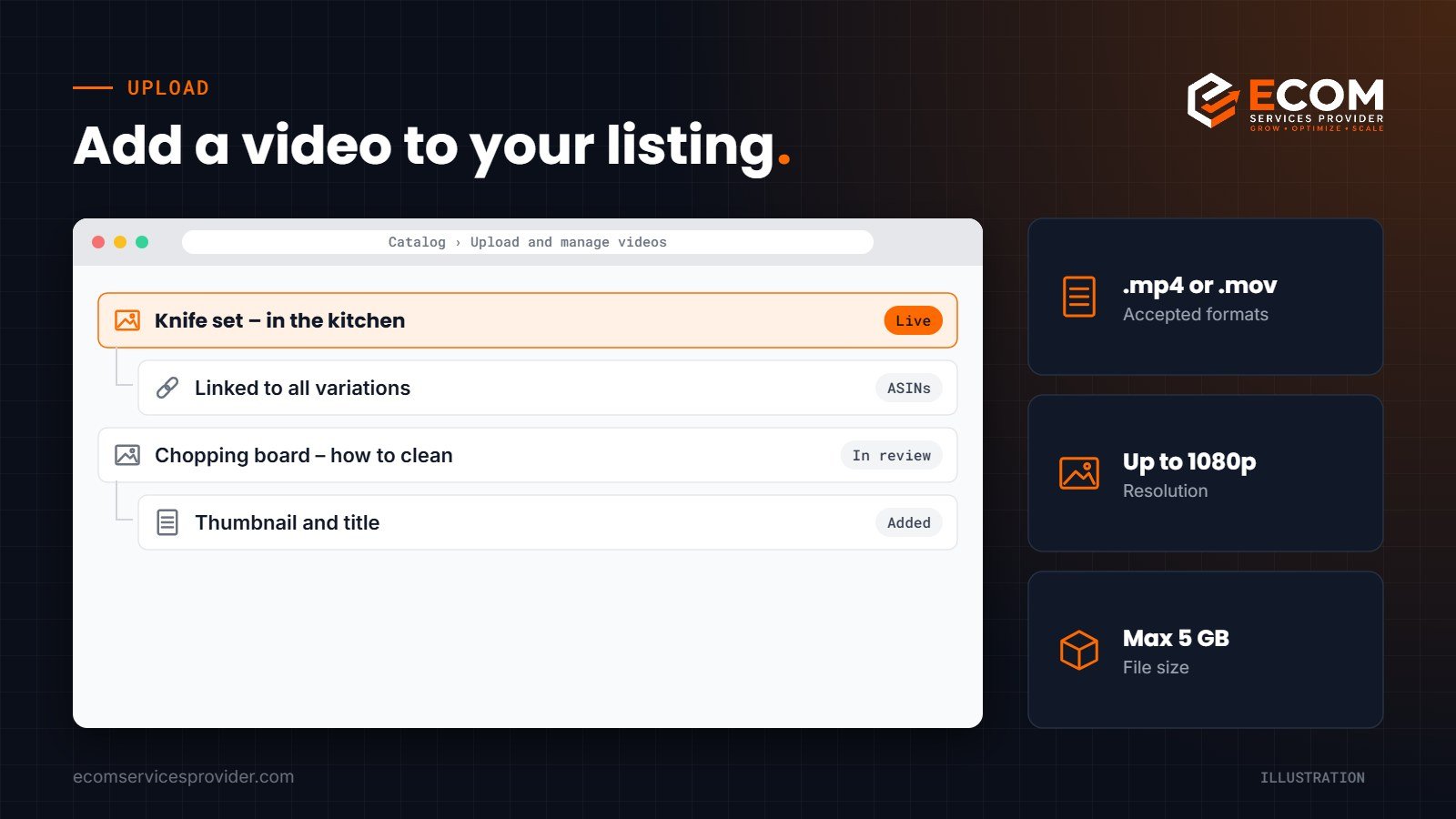
- File format: .mp4 or .mov
- Resolution: up to 1080p
- Maximum file size: 5 GB
- Length: Amazon recommends keeping product videos short, around 30 to 90 seconds
Each video also needs a title and a thumbnail image. Choose a thumbnail that clearly shows the product, as it is what shoppers see before pressing play.
Types of Video That Work Well
Different products need different kinds of video. The most useful formats for Amazon listings are:
- Demonstration videos: show the product doing its main job, from start to finish
- Feature videos: focus on two or three key features, with a short caption for each
- How-to videos: explain set-up, assembly, cleaning or care, which can reduce returns
- Range videos: show the sizes, colours or versions in your own range so shoppers pick the right one
Choose the format that answers your customers’ biggest questions. For many products, a short demonstration video is the best place to start, with how-to videos added later for products that need more explanation.
How to Plan an Amazon Product Video
The best videos are planned around customer questions, not around what looks impressive on camera.
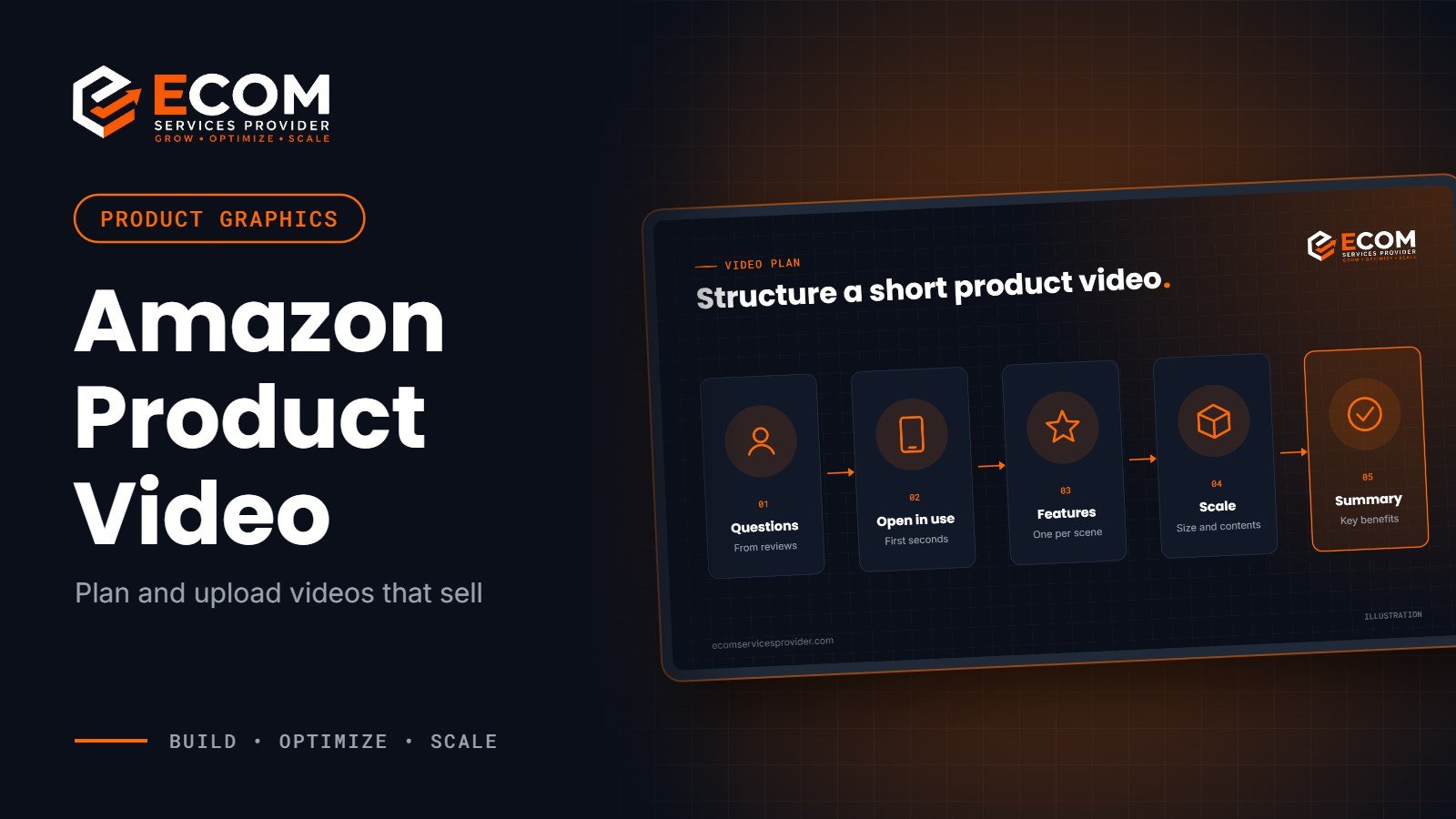
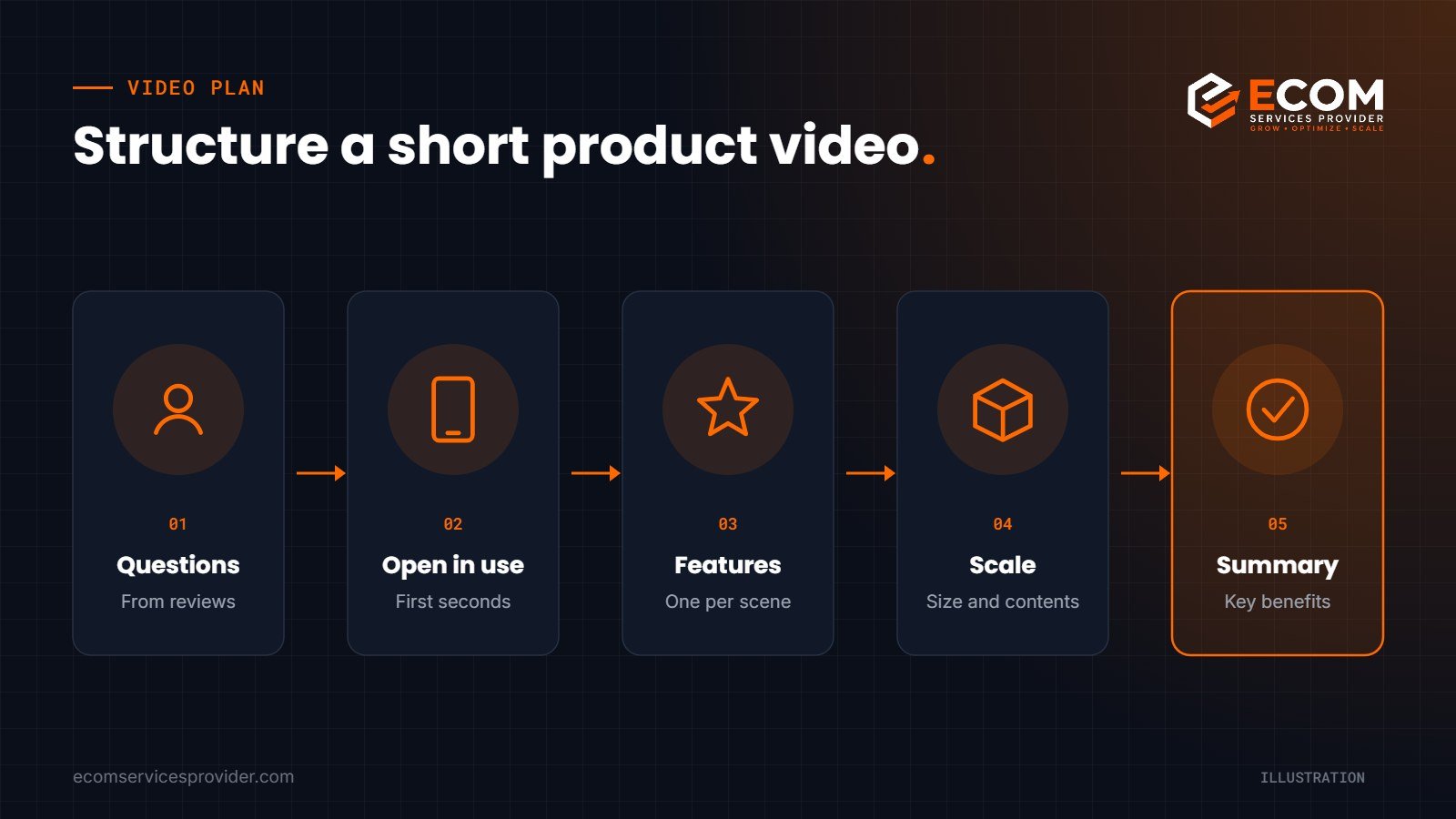
1. Start with customer questions
Read your reviews, customer questions and return reasons. List the five or six things shoppers most want to know. These become the scenes in your video.
2. Open with the product in use
Most shoppers decide within the first few seconds whether to keep watching. Show the product doing its job straight away, rather than starting with a long logo animation.
3. Show one feature per scene
Give each key feature its own short scene with a simple caption. Keep text on screen large and brief, as many shoppers watch on their phones without sound.
4. Show scale and contents
Show the product in a hand, on a table or in a room so shoppers understand its size. If it comes as a set, show everything that is included.
5. End with a clear summary
Finish with the product and its main benefits on screen. Avoid telling shoppers to visit other websites or mentioning prices, as these are not allowed.
How to Upload a Video to Your Amazon Listing
Once your video is ready, you can upload it through Seller Central:
- Go to Catalog, then Upload and Manage Videos
- Upload your video file and add a title
- Add the ASINs the video relates to, including variations if relevant
- Upload a thumbnail image
- Submit the video for review
Amazon reviews each video before it goes live. Once approved, check the listing on both desktop and mobile to confirm it appears where you expect.
Video Beyond the Product Page
The same footage can work in several other places across Amazon:
- A+ Content: video modules in A+ Content let you add demonstrations within the product description
- Brand Stores: video and background video tiles bring Store pages to life
- Sponsored Brands video: short video ads that appear in search results. Amazon’s Sponsored Brands video specifications require 16:9 videos between 6 and 45 seconds long
Plan your shoot with these uses in mind. Filming a few extra close-ups and short clips makes it easy to create different versions for each placement.
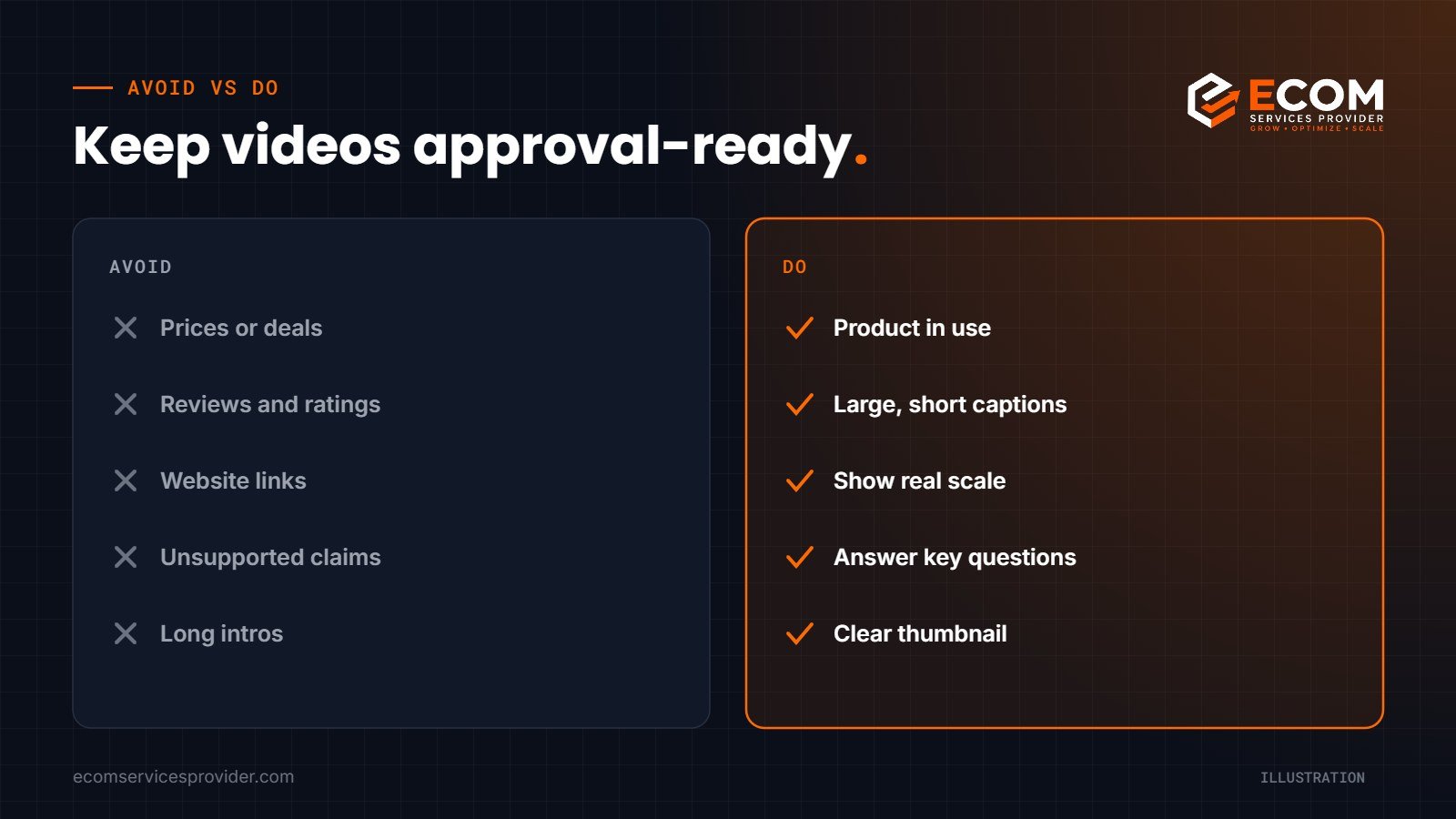
What to Avoid in Your Videos
These common issues can lead to rejected videos or simply poor results:
- Mentioning prices, discounts, shipping offers or time-limited deals
- Including customer reviews, star ratings or “best-seller” claims
- Showing website links, contact details or calls to visit other sites
- Making claims you cannot support, such as guarantees or medical benefits
- Using long intros, tiny text or music that drowns out the message
- Showing competitor products or other brands’ logos
When in doubt, keep the video focused on the product, how it works and who it is for.
How We Do It at ECOM Services Provider
Our product graphics team plans every Amazon product video around real customer questions. We review the listing, reviews and return reasons, then write a short storyboard with one clear message per scene and captions that work without sound.
We then create the video to Amazon’s specifications, design a strong thumbnail and prepare shorter cuts for A+ Content, Brand Stores and Sponsored Brands where they are needed. Finally, we check that the video, images and copy tell the same story across the listing, working alongside our Amazon listing optimization team so every element supports the sale.
Frequently Asked Questions
How do I add a video to my Amazon listing?
In Seller Central, go to Catalog, then Upload and Manage Videos. Upload the file, add a title, link the related ASINs, add a thumbnail and submit it for review.
What video format does Amazon accept?
Amazon accepts .mp4 and .mov files up to 1080p resolution and up to 5 GB in size.
How long should an Amazon product video be?
Amazon recommends keeping product videos short, around 30 to 90 seconds, focused on the key features and benefits.
Do I need Brand Registry to upload videos on Amazon?
Not always. Professional sellers can upload videos to listings they sell, but Brand Registry unlocks more video options, including A+ Content video modules and Brand Store video tiles.
Bring Your Listings to Life with Video
An Amazon product video helps shoppers understand your product faster, answers their questions before they become returns and gives your listing a clear edge. ECOM Services Provider has 8+ years of experience and 768+ completed projects creating product graphics, videos and A+ Content for brands worldwide. Book a free consultation to plan your next product video.