Amazon is a powerful sales channel, but it is not a home for your brand. Your own website is where you control the story, the customer relationship and the data. Good eCommerce website design turns visitors into enquiries and customers, while weak design quietly loses them in the first few seconds.
This checklist covers the ten essentials we look at on every eCommerce website we design, from the first screen a visitor sees to the details that build trust.
1. A Clear Message Above the Fold
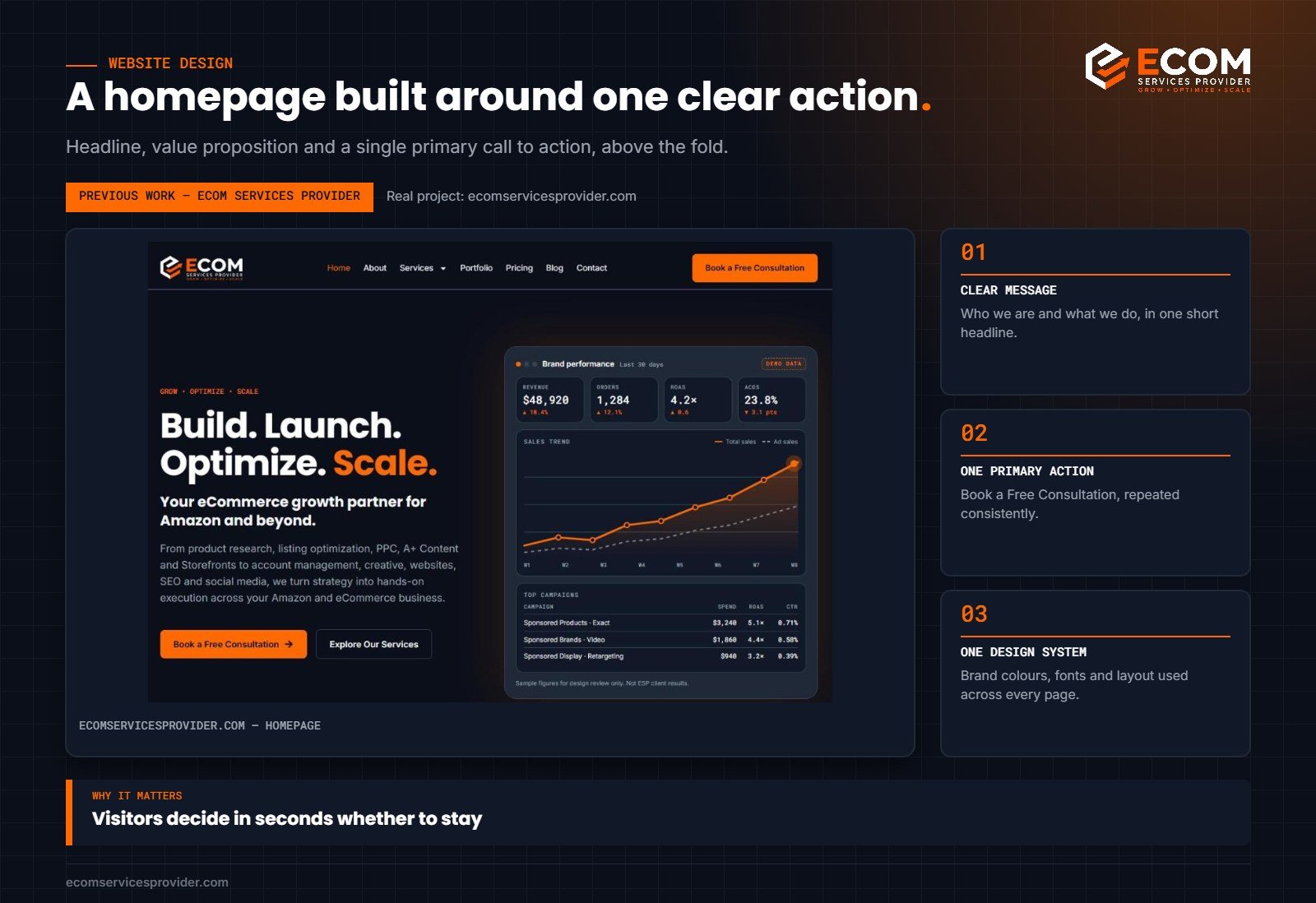
Within a few seconds, a visitor should understand who you are, what you offer and what to do next. That means a short, specific headline, one supporting sentence and a single primary call to action. Avoid vague slogans that could belong to any business.
2. One Primary Call to Action
Decide the most important action on the site, such as buying, booking a consultation or requesting a quote, and make it consistent. Use the same wording and style everywhere so visitors always know where the main action is. Secondary actions should look clearly secondary.
3. Simple, Predictable Navigation
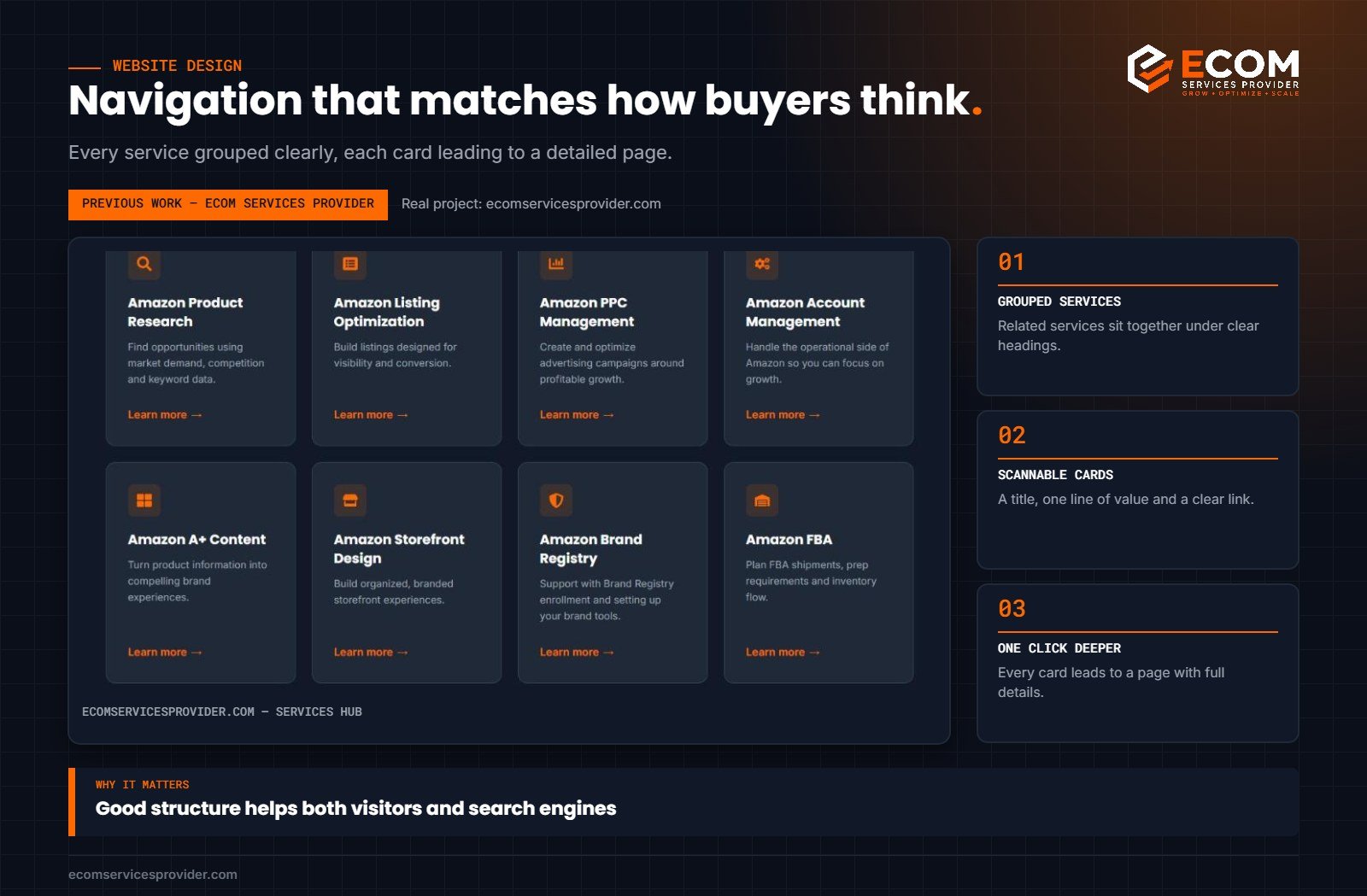
Keep the main menu short and use plain labels: Home, Shop or Services, About, Contact. Group related pages under clear categories. Visitors should never have to guess where something lives, and every important page should be reachable within a couple of clicks.
4. Product or Service Pages That Answer Questions
Each product or service page should answer the questions a buyer has before committing: what it is, who it is for, what is included, how it works and what happens next. Use headings, short paragraphs and lists so the page can be scanned, and finish every page with a clear next step.
5. Strong, Consistent Visual Identity
Use a defined set of brand colours, a small number of fonts and a consistent style for images and icons. Consistency makes a site look trustworthy and professional, while a mix of styles makes it feel improvised.
6. Mobile-First Layout
A large share of visitors arrive on phones. Design every section to work on a small screen first: readable text, tappable buttons, no horizontal scrolling and images that resize cleanly. Then check that the desktop layout makes good use of the extra space.
7. Speed
Slow pages lose visitors. Compress images, avoid loading unnecessary scripts and plugins, and use modern image formats. Test key pages on a mobile connection, not just on a fast office network.
8. Trust Signals
People buy from businesses they trust. Show real experience, real work and clear contact details. Credentials, portfolio examples, process explanations and genuine testimonials all help, as long as they are accurate. Never invent results or reviews.
9. SEO Foundations
Design and SEO work together. Every page needs a clear title, a descriptive heading structure, readable URLs and unique content. Internal links between related pages help both visitors and search engines understand the site. Our guide to eCommerce SEO goes deeper on this.
10. Easy Contact and Conversion
Make it effortless to take the next step. Keep forms short, show what happens after someone submits, and offer an alternative such as a booking link. Put contact options in the header or footer so they are always within reach.
How We Do It at ECOM Services Provider
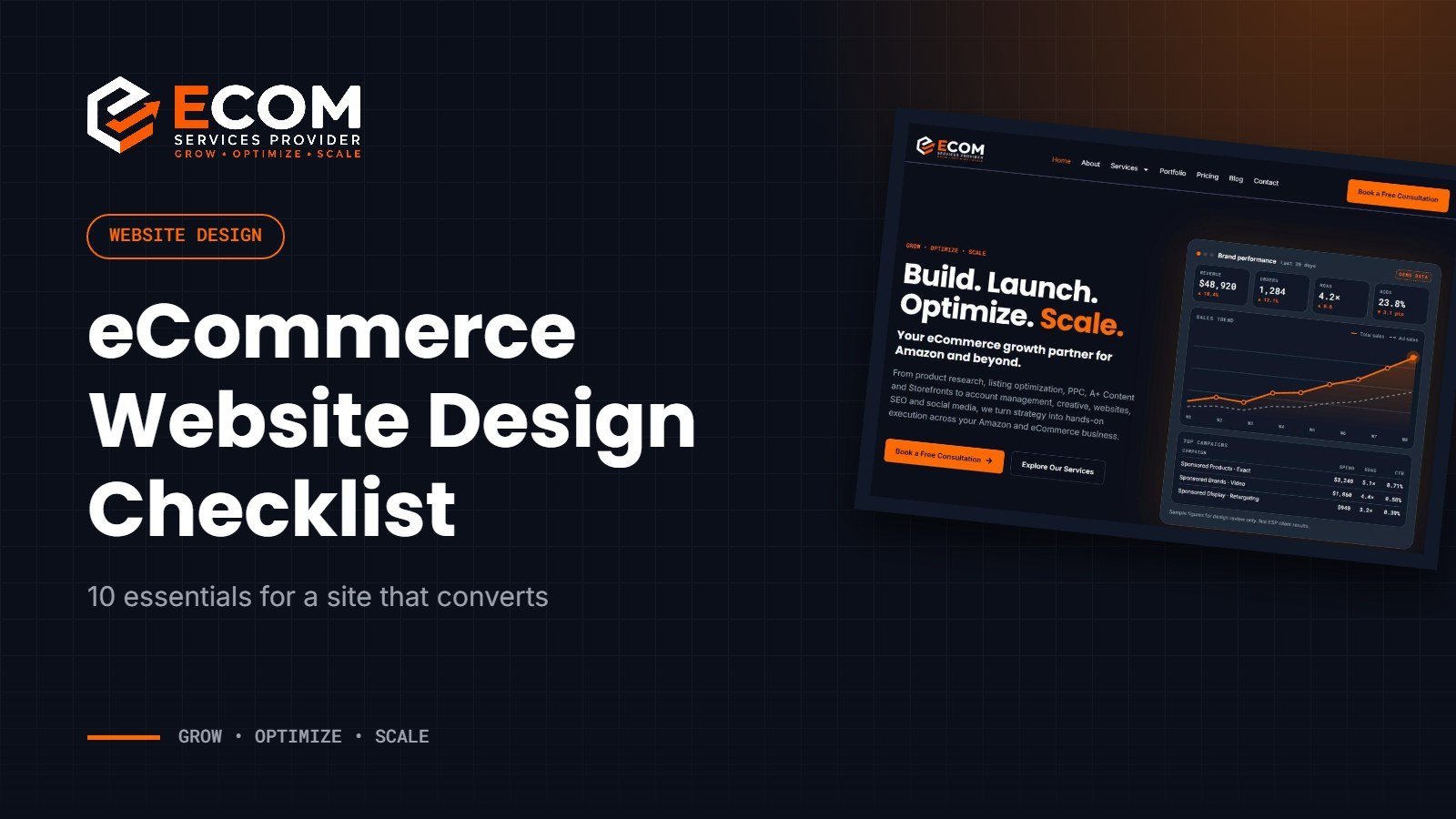
When we rebuilt our own website, we followed exactly this checklist. The homepage leads with a short headline and one primary action, Book a Free Consultation, repeated consistently across the site. The services hub groups every service into clear sections, with each card linking to a detailed page that explains what is included and how the process works. The whole site uses one design system of brand colours and fonts, and every page was checked on mobile before launch.
Common Website Design Mistakes
- Trying to say everything on the homepage. A crowded first screen hides the one message that matters.
- Several competing calls to action. When every button looks equally important, visitors hesitate.
- Clever but unclear menu labels. Visitors should not have to decode navigation.
- Stock images that say nothing. Real work, real products and real process build more trust.
- Ignoring mobile. A layout that only works on a large screen loses a large share of visitors.
- Plugin overload. Every unnecessary plugin or script adds weight and slows pages down.
- Forms that ask for too much. Long forms reduce enquiries; ask only for what you need.
- No clear next step after a visitor converts. Tell people what happens after they submit or book.
Avoiding these mistakes is often worth more than adding new features. Clarity, speed and trust do most of the work.
A Quick Pre-Launch Checklist
- Headline and primary action clear on every key page
- Navigation tested by someone who has never seen the site
- Every page checked on a phone
- Images compressed and pages tested for speed
- Page titles, headings and URLs written for each page
- Forms tested end to end
- Contact details and booking links working
- Legal pages such as privacy policy and terms in place
Working With a Design Team
A website project goes faster and ends better when the brief is clear from the start. Before design begins, agree on the main goal of the site, the primary call to action, the list of pages, the brand colours and fonts, and the real content you can provide, such as photos, portfolio examples and credentials. Review designs on a phone as well as a laptop, and approve each stage before the next begins. That way the final site reflects decisions you have made, not guesses made on your behalf.
Frequently Asked Questions
Should an Amazon seller have their own website?
Yes. A website builds brand credibility, gives you a home for your story and content, and creates a channel you control alongside marketplaces.
Which platform is best for an eCommerce website?
It depends on your needs. Shopify suits many product brands, while WordPress with a page builder gives flexibility for service businesses and content-led sites. The checklist applies to both.
How long does an eCommerce website take to build?
A focused site with a clear structure can often be designed and built in a few weeks. Larger catalogues and custom features take longer.
How do I know if my website design is working?
Track enquiries, sales and conversion rates, and watch how visitors move through the site. If people arrive but rarely take the next step, the message, structure or calls to action need attention.
Ready for a Website That Converts?
ECOM Services Provider has 8+ years of eCommerce experience and has completed 768+ projects for brands worldwide. Our eCommerce website design service covers structure, design and build, and our SEO services help the right visitors find you. Book a free consultation to talk through your website.