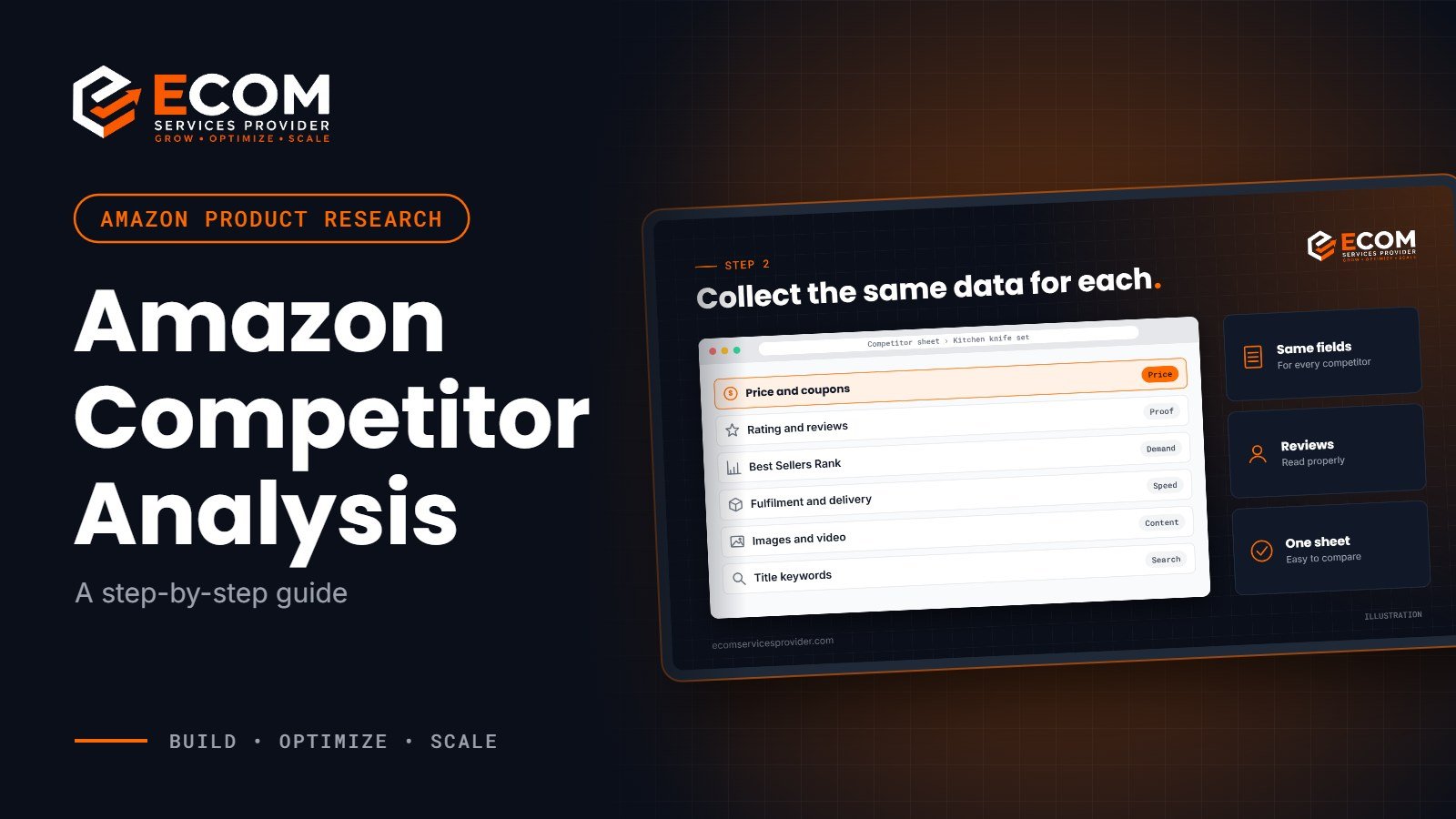
Finding a product with healthy demand is only half of product research. The other half is understanding who you will be competing against, and whether you can realistically offer shoppers something better. A structured Amazon competitor analysis answers that question before you commit money to inventory, and it keeps paying off after launch by showing where your listing, pricing and advertising can improve.
This guide sets out a step-by-step method for analysing competitors on Amazon, the data worth collecting, and how to turn what you find into decisions.
Why Amazon Competitor Analysis Matters
Every product page on Amazon sits in a crowded search results page. Shoppers compare titles, images, prices, ratings and delivery promises in seconds. If your offer is weaker than the products around it on the things shoppers care about, good keywords and ads will not save it.
Competitor analysis helps you to:
- Judge whether a niche is realistic for a new brand
- Find gaps in features, quality, bundles or presentation
- Set a sensible price position
- Learn which keywords and images competitors rely on
- Avoid launching a “me too” product with nothing to set it apart
Step 1: Identify Your Real Competitors
Start with the searches your customers will actually use. Search your main keywords on Amazon and note the products that appear on the first page, both organic results and sponsored placements. Then check the relevant Best Sellers category pages, which rank products by recent sales within each category.
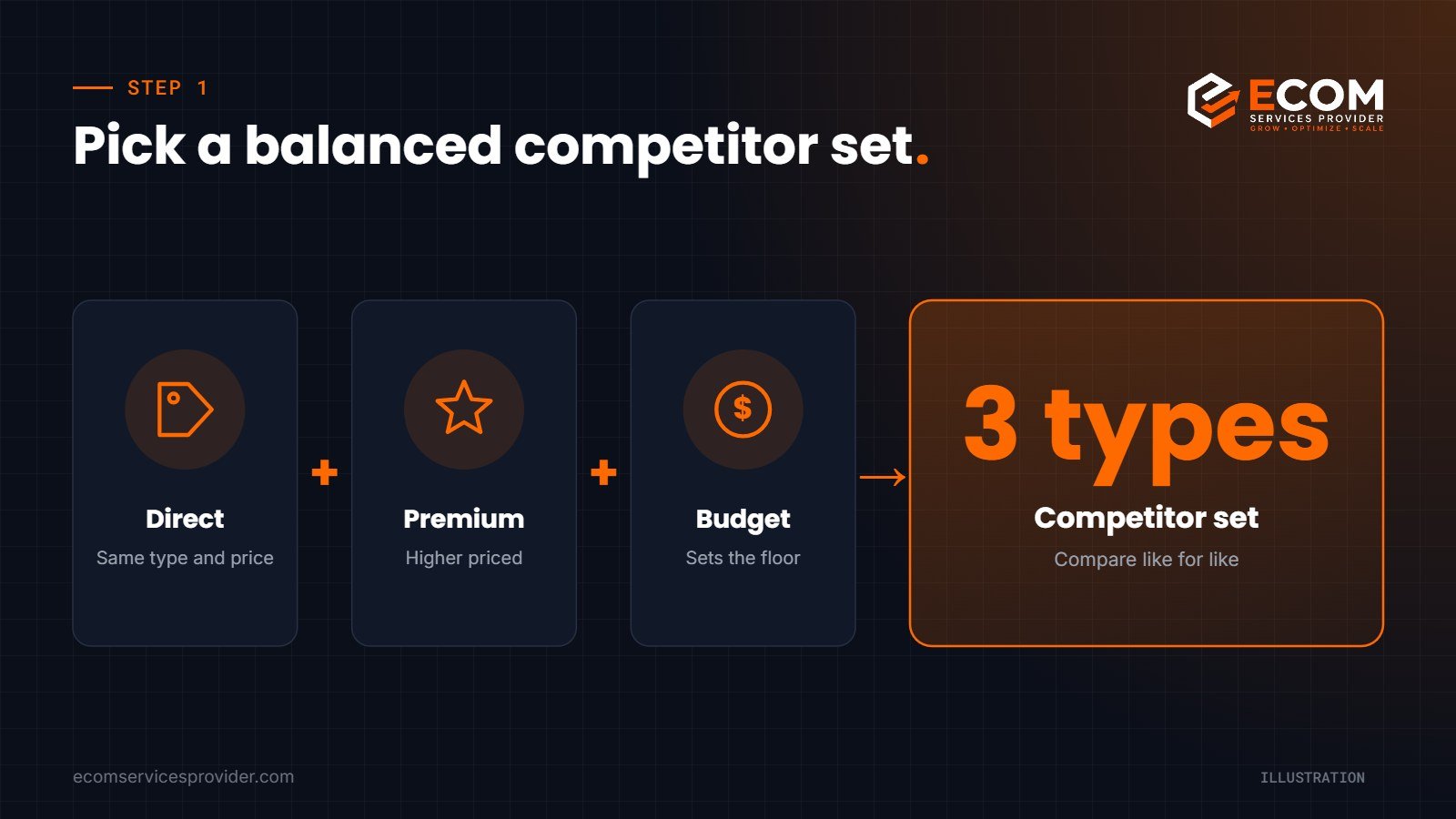
Group what you find into three types:
- Direct competitors: the same product type at a similar price for the same customer.
- Premium competitors: higher-priced products that show what shoppers will pay for better quality or features.
- Budget competitors: cheaper alternatives that set the floor on price expectations.
Ten to fifteen products across these groups is usually enough to see the shape of the market.
Step 2: Collect the Same Data for Every Competitor
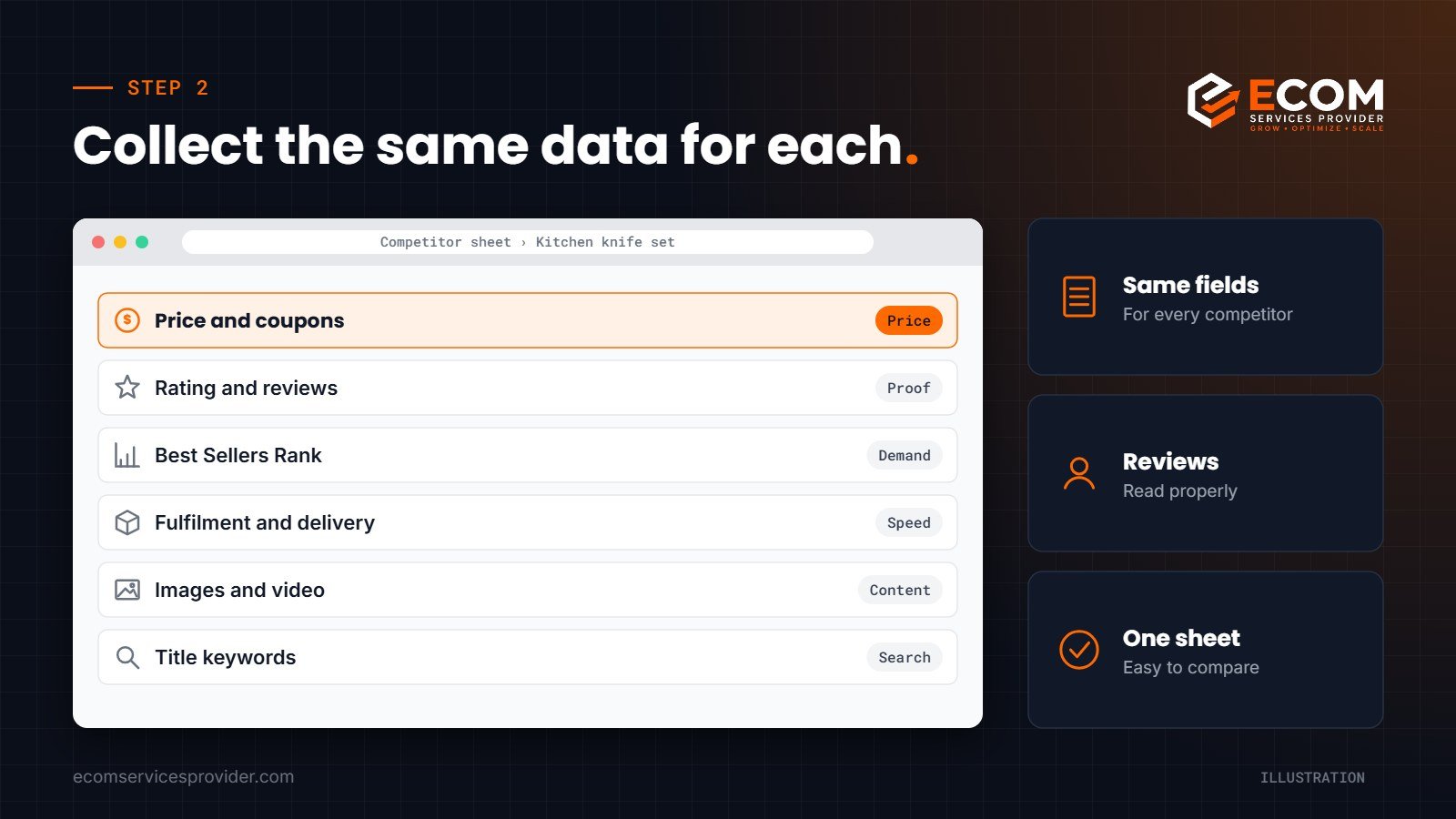
Build a simple spreadsheet with one row per competitor and consistent columns:
- Price and any visible discounts or coupons
- Rating and number of reviews
- Best Sellers Rank in the main category
- Fulfilment method and delivery promise
- Number and quality of images, and whether there is video or A+ Content
- Main keywords in the title
- Key features, materials, sizes and what is included
- Variations offered
Comparing like for like makes patterns obvious. You may notice that every top seller uses lifestyle images, or that none of them offers a particular size.
Step 3: Read the Reviews Properly
Reviews are the most valuable free research on Amazon. Read the critical reviews of your top competitors and list the problems that come up repeatedly: poor durability, confusing instructions, missing accessories, sizing issues, packaging damage. Then read the positive reviews to understand which features shoppers value most.
The recurring complaints are your opportunity. If you can fix one of them and say so clearly in your images and bullets, you have a genuine reason for shoppers to choose your product.
Do not forget the customer questions section on each detail page. Questions such as “Is it dishwasher safe?” or “Does it fit a standard size?” show what shoppers could not find in the listing. Every unanswered question is something your own images, bullets or A+ Content can answer up front, which removes a reason to hesitate.
Step 4: Analyse Keywords and Search Demand
Look at the words competitors put at the start of their titles and in their bullet points, and compare them with your own keyword research. Amazon’s Product Opportunity Explorer, available in Seller Central, shows search volume trends, top clicked products and search terms within a niche, which helps confirm demand and highlights the terms shoppers use. If you are brand registered, Brand Analytics can add further search term data.
The aim is to understand which terms the market is built on and where there may be less competitive, highly relevant phrases you can target in your listing and advertising.
Step 5: Compare Listing Quality and Brand Presentation
Open each competitor’s detail page and score it honestly. How clear is the main image? Do the secondary images explain features and dimensions? Is there A+ Content or a Brand Store? Are the bullets specific or vague?
Weak presentation among strong-selling competitors is a good sign: it means a better listing could compete. Strong presentation across the board means you will need excellent creative work from day one.
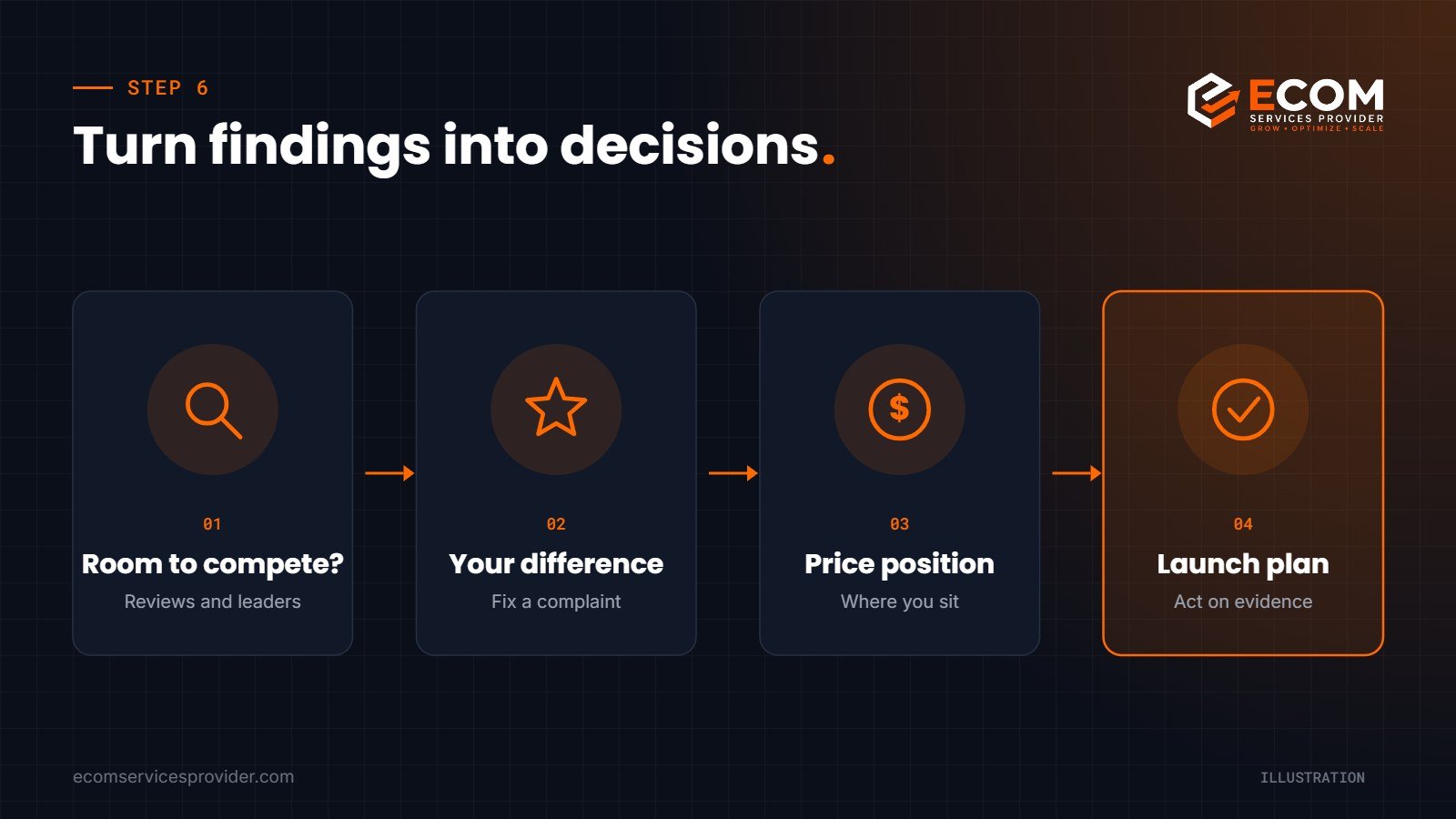
Step 6: Turn Findings Into Decisions
Summarise what you have learned in a few clear points:
- Is there room in this market? Consider review counts, the strength of established brands and how stable the top positions are.
- What will make your product different? A fixed complaint, a better bundle, a size gap or stronger presentation.
- Where will you price? Decide your position relative to direct, premium and budget competitors.
- Which keywords will you lead with? Pick the main terms for your title and the long-tail phrases for bullets, backend fields and ads.
- What will your images need to show? List the questions your images must answer that competitors leave unanswered.
How We Do It at ECOM Services Provider
Competitor analysis is built into our product research and listing projects. For each product, we identify the top organic and sponsored competitors for the main search terms, record the same data points for each one in a comparison sheet, and read through their critical and positive reviews to find recurring problems and valued features. We combine this with a keyword research sheet that shows search volumes and relevance for the terms the market uses.
The output is a short, practical summary: the gaps worth targeting, the price position, the keywords to lead with and the image and A+ ideas that will set the listing apart. Where we use third-party sales estimates, we treat them as rough guides rather than facts. Our team has 8+ years of Amazon experience and 768+ completed projects, and this research shapes every listing, image and campaign we build afterwards.
Frequently Asked Questions
How many competitors should I analyse?
Ten to fifteen is usually enough, covering direct, premium and budget competitors for your main keywords. More data rarely changes the conclusions.
What tools do I need for Amazon competitor analysis?
You can do a lot with Amazon itself: search results, Best Sellers pages and reviews. Seller Central tools such as Product Opportunity Explorer and, for brand owners, Brand Analytics add search data. Third-party tools can help with estimates, but treat their sales figures as estimates.
How often should I repeat competitor analysis?
Do a full analysis before launch, then review your main competitors at least every quarter, or whenever sales, rankings or advertising costs change noticeably.
Is it allowed to use competitor brand names in my listing?
No. You should not use other brands’ names in your listing content or backend search terms. You can target competitors through advertising options where Amazon permits it.
Know Your Market Before You Invest
A clear picture of your competitors leads to better products, sharper listings and smarter advertising. Our Amazon product research service includes competitor and keyword analysis, and our Amazon listing optimization service turns those findings into listings that stand out. For a broader introduction, read our guide on how to find products that sell.
Book a free consultation to discuss your next product.